
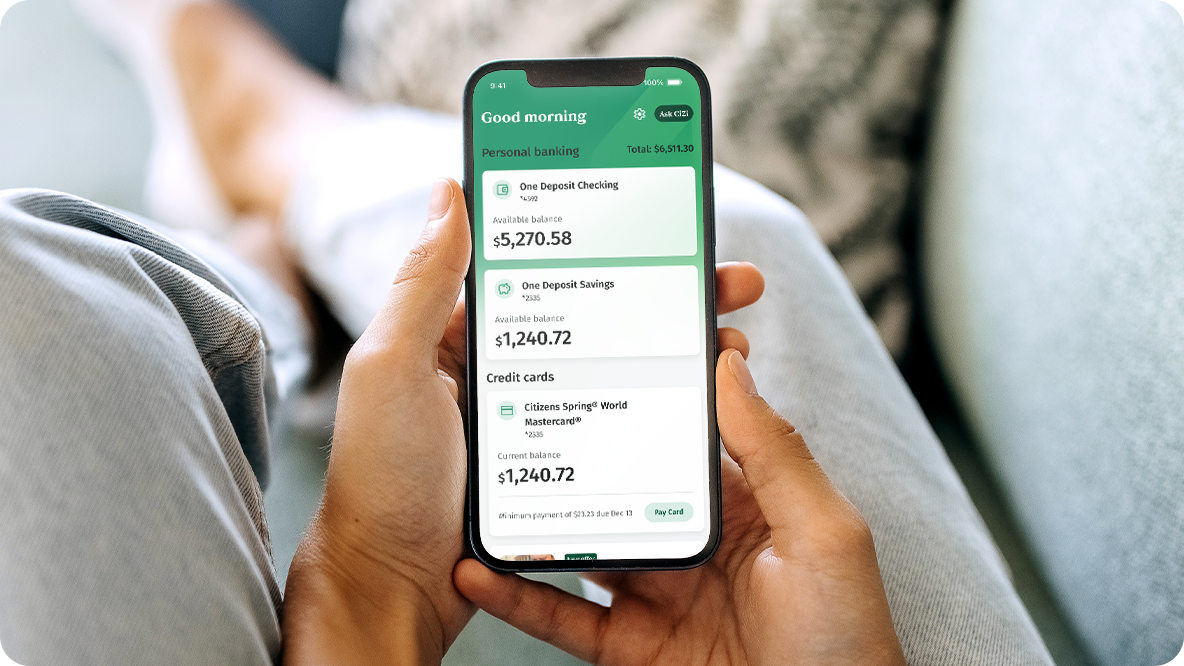
Download the mobile app*
Download our mobile app to have 24/7 access to your accounts. Make mobile check deposits1, order a replacement debit or credit card and so much more.


Ready to help you with everyday banking
Do it all on the go. Save time. Simplify your life.

Online Banking
Convenient, robust banking solutions at your fingertips.
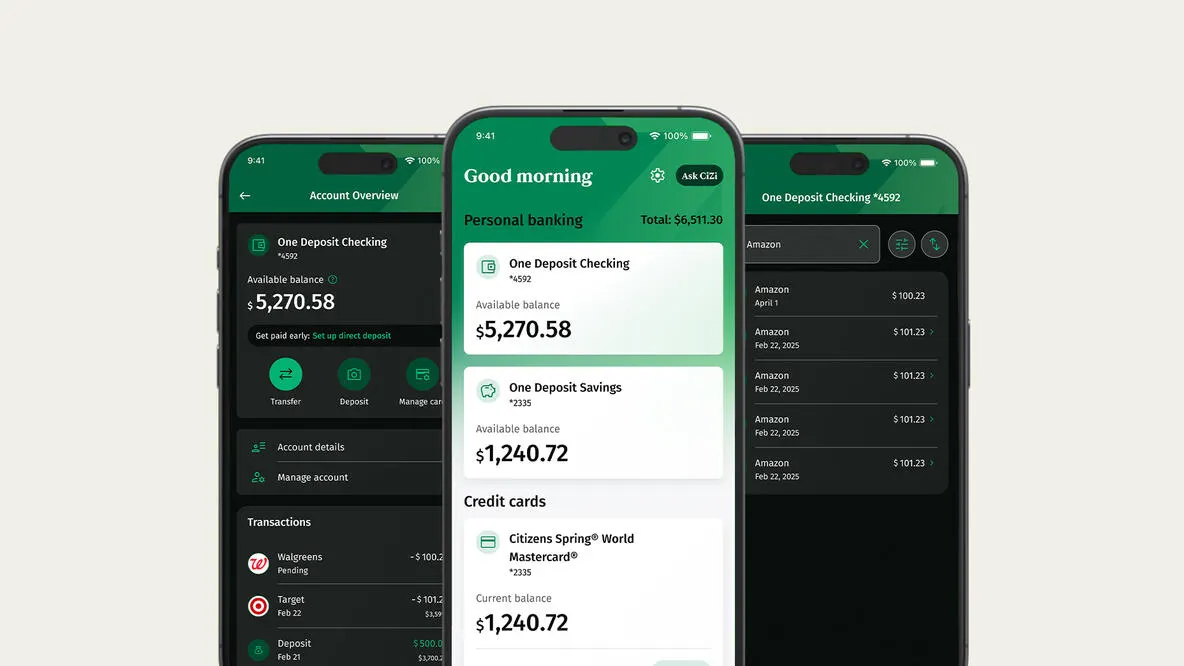
Mobile app*
A better banking experience right at your fingertips. 24/7 account access to bank from wherever you are.
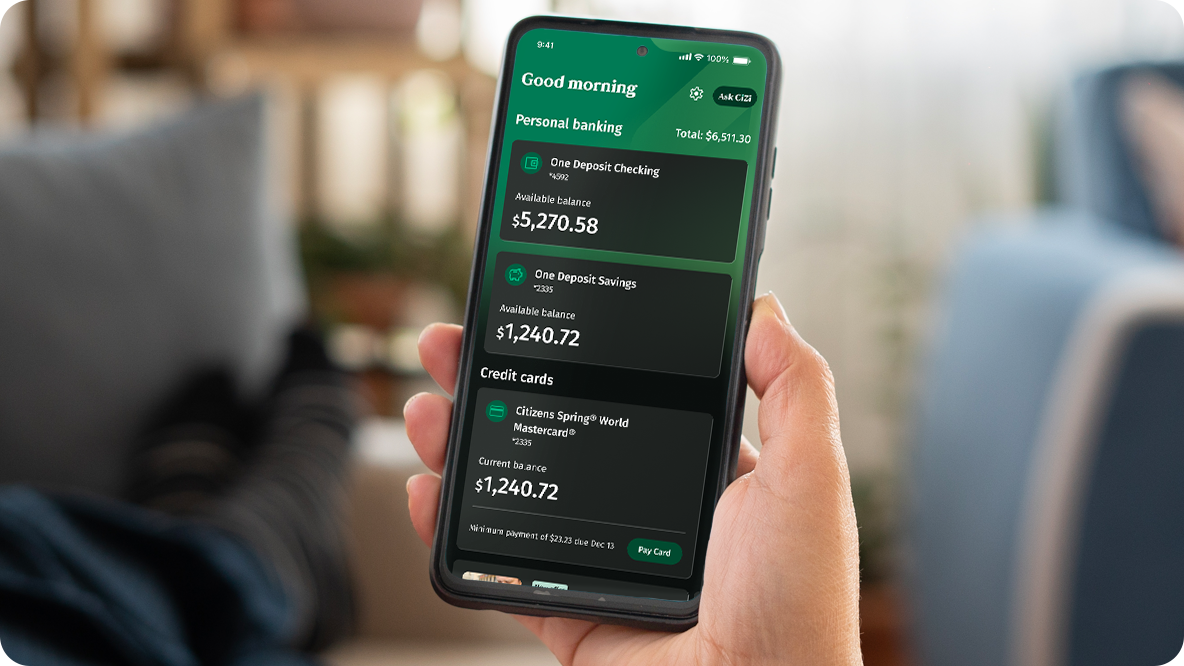
Mobile Demos
Our Interactive demos will show you how to deposit a check in the mobile app, make a credit card payment, and so much more.
Features and Benefits
Online & Mobile Banking FAQ's
You will log into Mobile Banking using the same User ID and Password that you established when you enrolled in Citizens Bank Online®.
All account information entered and displayed through Mobile Banking is secure and encrypted using Secure Socket Layer (SSL) technology. We also protect information by using hardened connections called Firewalls. Only devices authorized to communicate with the mobile banking system can make a connection.
In addition, we require users to log into Mobile Banking with the same User ID and Password combination as Online Banking. The Mobile Banking app* also certifies all devices before adding them to the list of supported devices to ensure that all transactions are fully encrypted and secure. Mobile Banking for retail customers is covered by our Online Banking Guarantee.
Zelle is a way to send money directly to almost any bank account in the U.S.-typically within minutes1. With an email address or U.S. mobile phone number, you can now quickly, safely, and easily send money to people you trust, regardless of where they bank.2
You can create a new user ID by clicking the "Forgot Online User ID?" link, or a new password by clicking the "Forgot Password?" link located on the Online Banking "Login" page. Or, you can call Customer Service at 800-656-6561.
© Citizens Financial Group, Inc. All rights reserved. Citizens Bank, N.A. Member FDIC
* Wireless carrier, text and/or data charges may apply.
1 Mobile Deposit account eligibility requirements, deposit limits and other restrictions may apply. Data use fees may apply.
2 To send or receive money with Zelle®, both parties must have an eligible checking or savings account. Transactions between enrolled users typically occur in minutes. Don't use Zelle® to send money to people you don't know. Data charges may apply.
Apple and the Apple logo are trademarks of Apple Inc., registered in the U.S. and other countries. App Store is a service mark of Apple Inc.
Android and Google Play are a trademarks of Google Inc.
Zelle® and the Zelle® related marks are wholly owned by Early Warning Services, LLC and are used herein under license.