
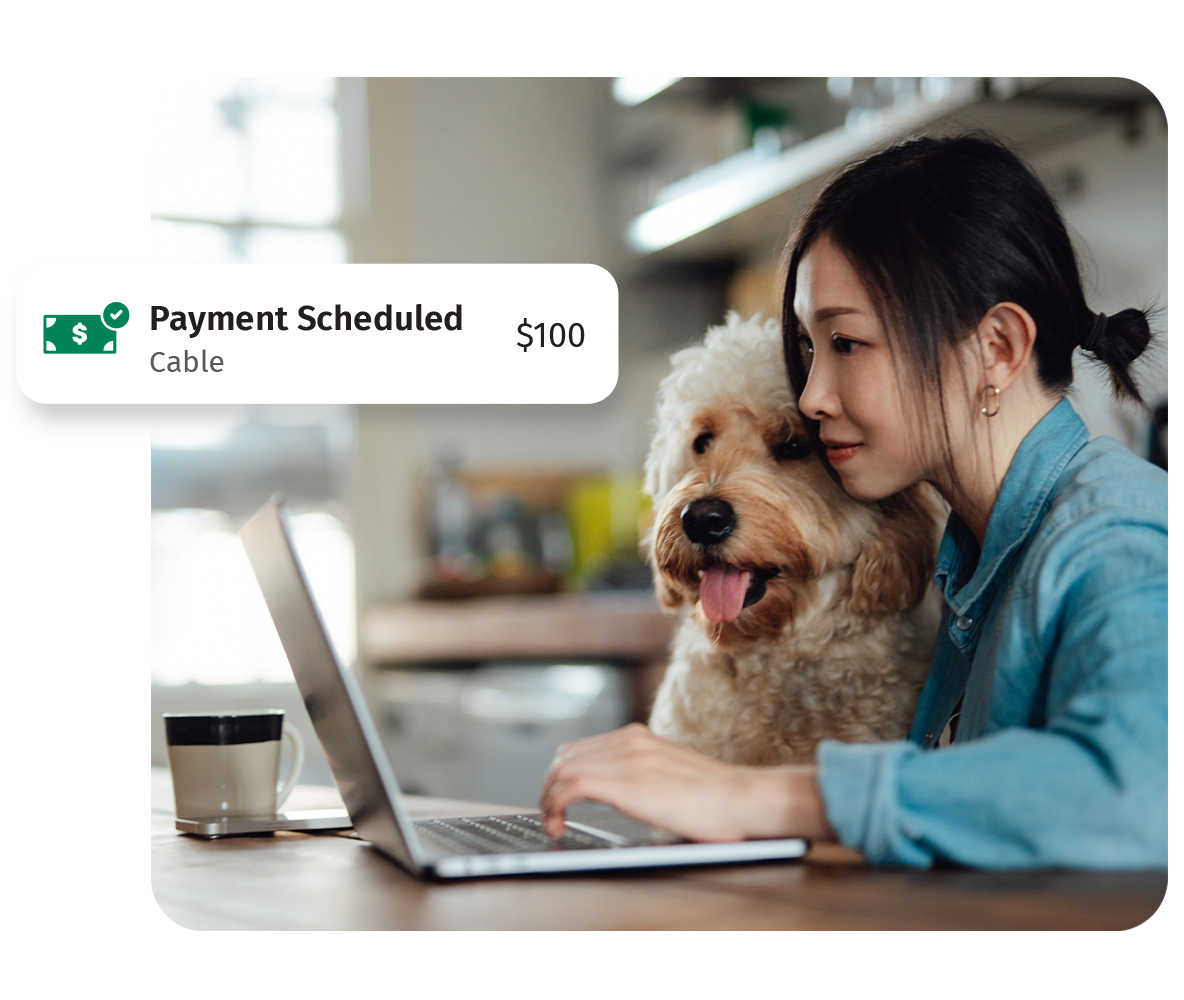
Why use Bill Pay to manage your finances?

It's all in one place
No need to pay every monthly expense through multiple websites. Simplify your bills and recurring payments through Citizens Bill Pay.

It's more convenient
Skip the hassle of mailing check payments. View, manage and pay your bills anytime, anywhere with the Citizens mobile app* or Online Banking.

It's a secure way to pay
Online Bill Pay helps protect your information with multi-factor authentication and customizable alerts, so you're always notified of any suspicious activity.
Learn more about Citizens Bill Pay
Related Reading

Setting up recurring bill payments online
Learn about the benefits of making online bill payments and how simple it is to set up.

How often should you monitor your bank account?
Understand how frequently and what to look for in your checking and savings accounts.

4 Budgeting strategies
See which popular budgeting strategy is right for you and learn how to stick with it.
How to set up bill pay in the new system
Check out the demos below for helpful step-by-step guides.
Set up in the mobile app*
Setting up a bill payment in the Citizens mobile app* will look familiar. If you need a refresher, follow the step-by-step directions in the demos below to get started.
Set up on the online banking platform
Your bill pay experience on Citizens Online Banking will look a bit different. If you need help with setting up future payments or an e-bill, follow the step-by-step demos below.
© Citizens Financial Group, Inc. All rights reserved. Citizens Bank, N.A. Member FDIC
* Wireless carrier text and/or data rates may apply.