
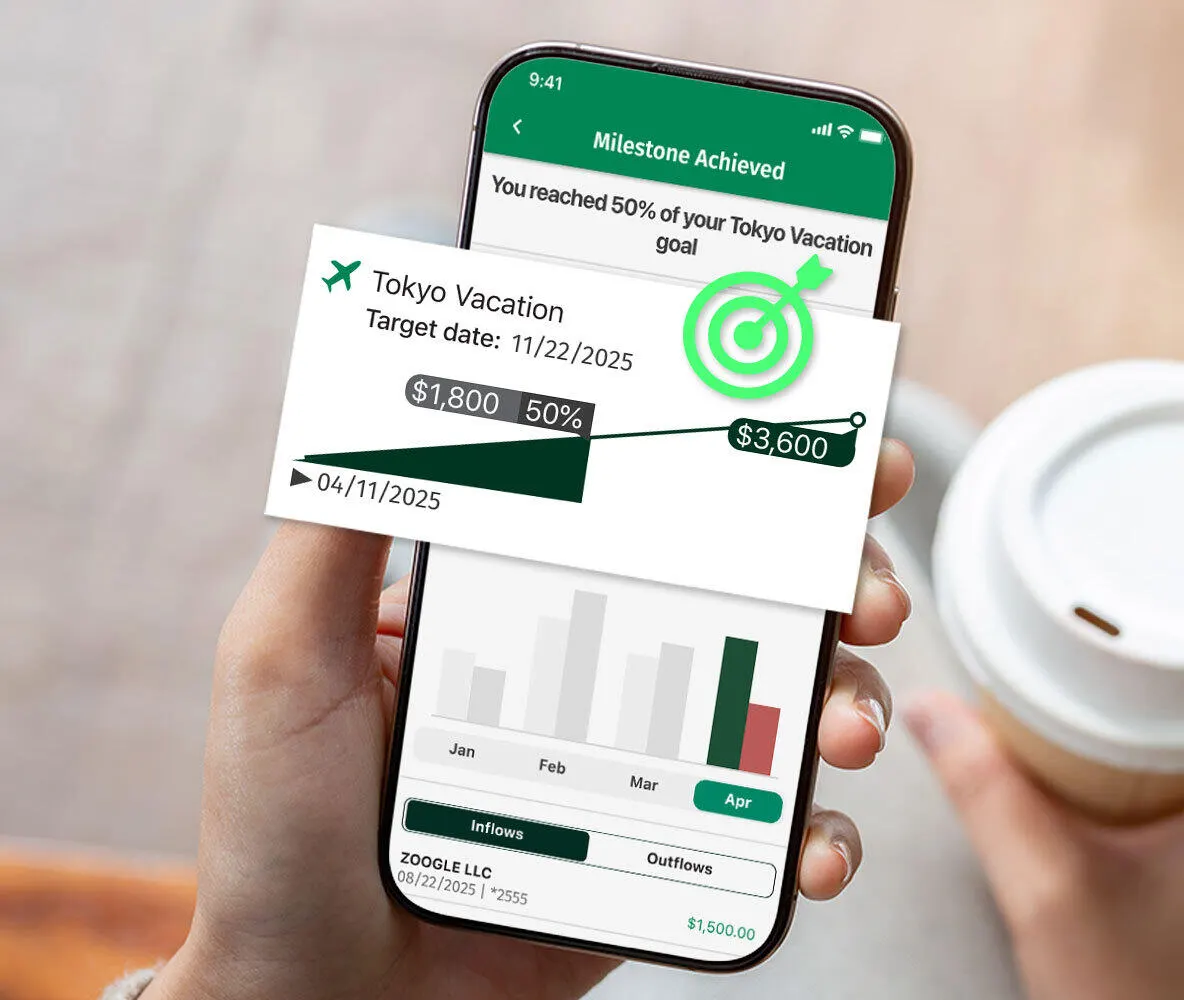
What is Citizens Saving Tracker®?
Citizens Savings Tracker is a tool in the mobile app2 connected to your personal Citizens Savings accounts to help you easily save for specific goals or build savings over time. You can manually save or, if you also have a Citizens Checking account, you can use one of these three automatic savings options for a specific goal3:
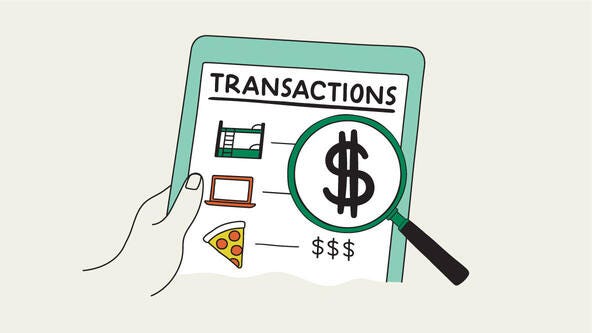
Smart Save4
We'll analyze your checking account to find opportunities to safely move money to savings.
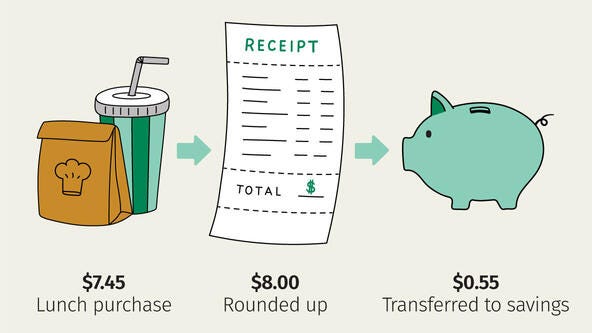
Round Ups5
We round up your debit card purchases and transfer the change to your savings or money market account.
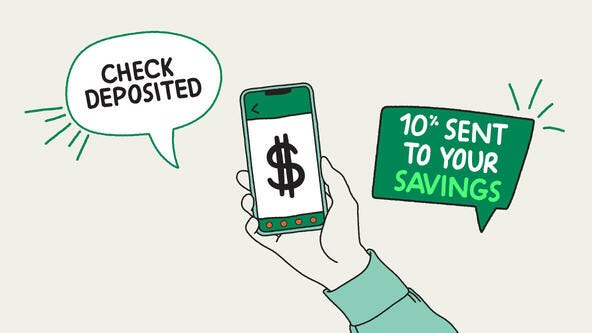
Pay Yourself 1st
You choose a percent or set amount of your recurring deposits, such as a paycheck, to automatically put into savings.
Citizens Savings Tracker FAQs
To start saving and set up your first goal, all you will need is an eligible Citizens Personal Savings or Money Market account. To take advantage of Smart Save, Round Ups and Pay Yourself 1st, you need an eligible Citizens Checking account and a Personal Savings or Money Market account.
Step 1: Log into the Citizens Mobile Banking app and select "Financial Wellbeing" in the app's menu.
Step 2: Select Citizens Savings Tracker and click "Create a Goal".
Step 3: Fill out "what you are saving for".
Step 4: Click "Prioritize Savings" and then "Choose How to Save".
Step 5: After choosing the automated saving feature, select the percentage you would like to save and the savings account.
Step 6: Provide information about your goal including name, target date and target amount.
Your goal is complete.
Each time you log into the mobile app you can check on the progress of your savings goals through the Financial Wellbeing section or the Savings Account Summary page. Go to the app Menu, select "Financial Wellbeing" then select "Citizens Savings Tracker" to show your saving dashboard.
Yes, you can delete, pause or change a savings goal. Here are the steps:
Step 1: Log into the Citizens app and select "Financial Wellbeing" in the app's menu.Step 2: Select Citizens Savings Tracker to see your savings dashboard.
Step 3: Underneath each Savings Goal, you can edit, pause or delete your goal.
© Citizens Financial Group, Inc. All rights reserved. Citizens Bank, N.A. Member FDIC
1 Subject to account eligibility. Only available on the Citizens Bank Mobile Banking application. Text and data rates may apply.
2 Wireless carrier, text and/or data charges may apply.
3 Customer must have an open Citizens personal checking account and an open Citizens personal savings or money market account.
4 Not available to new to bank checking customers. Smart Save requires checking account to have four or more months of activity. Subject to available funds.
5 Subject to available funds. Additional amount of transfer determined by customer.