

When you might hear from Citizens
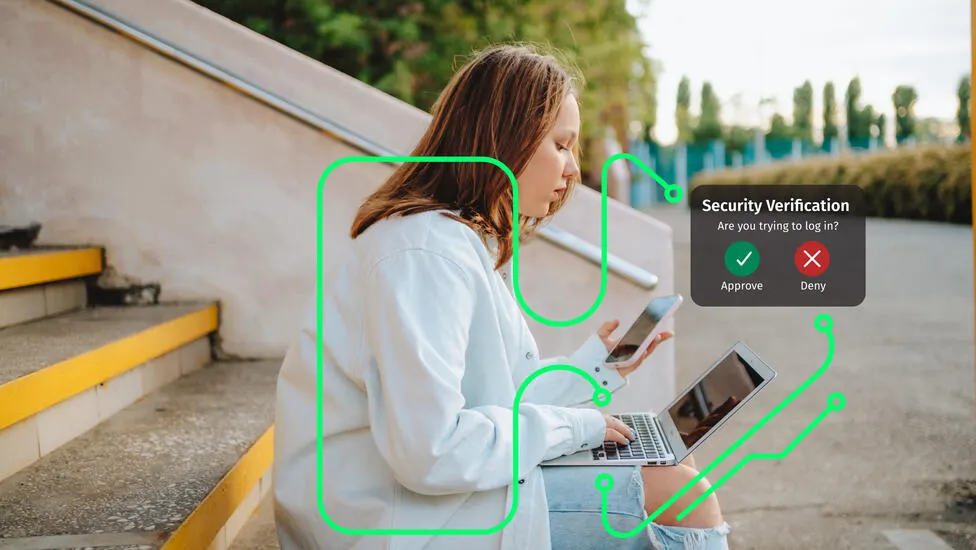
To help keep your banking experience smooth and secure, Citizens may occasionally contact you by phone or email. Reasons we may reach out include:
- Letting you know about system updates or technical issues
- Sharing information about new products or services that may benefit you
- Verifying recent activity on your account for your protection
- Checking in to strengthen our relationship and better support your needs
How to recognize our messages
Common short codes
We use short codes (5-6 digit numbers) so you can identify us quickly.
63776 - General messages
76191 - Account setup (auto loans, credit cards, deposits, student lending, HELOC, Citizens Pay)
79669 - Account alerts, payment reminders, Citizens Access
Text messages from Citizens
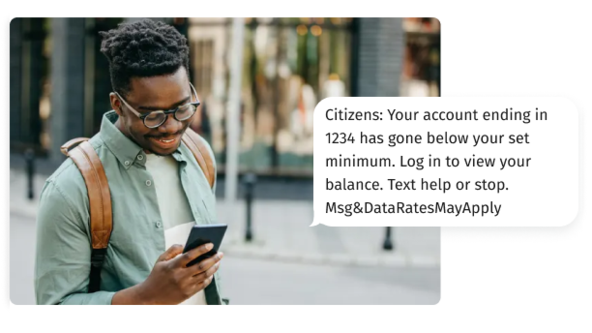
We may send you text messages to help with:
- Identity verification
- Debit card activation
- Account access support
These messages come from short codes 5- or 6-digit numbers unique to Citizens, so you can recognize them quickly and confidently.
Personalized links
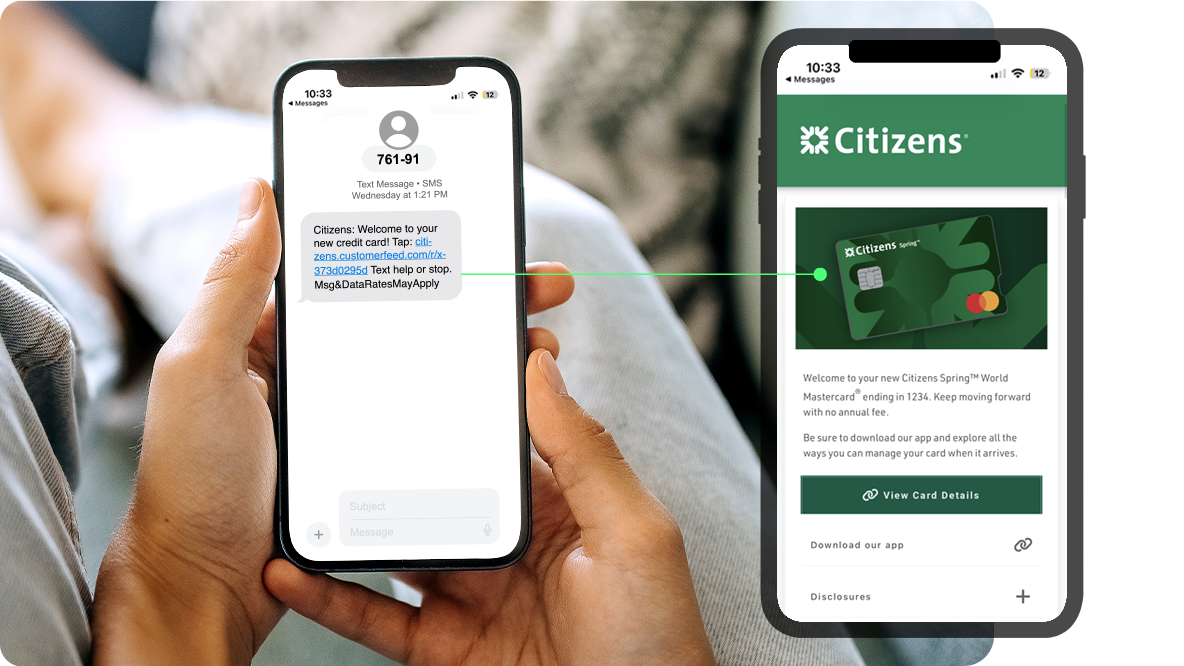
Sometimes, we'll include a link in our text messages that takes you to a personalized feed just for you. It's designed to share recommendations and insights to help you make the most of your account. These links will still come from one of our trusted short codes.
How Citizens protects your information
Advanced website security, fraud detection & alerts
EV SSL encryption
- Citizens uses Extended Validation Secure Socket Layer (EV SSL) certificates.
- Look for the green bar in your browser to confirm you're on the official site.
Behavior monitoring
- Citizens monitors for unusual activity (e.g., large transactions or foreign spending).
- You may be contacted to verify suspicious behavior.
SMS fraud alerts
- Citizens may send text alerts for suspicious transactions.
- You can reply STOP to opt out anytime.
- T-Mobile users: note that message delivery may vary.
Read more about fraud safety
Report fraud in the app*
If you suspect fraud on a debit transaction, file a claim in the mobile app. Choose a transaction to begin the dispute.
Identity theft prevention and protection
How to stay safe from someone trying to impersonate you for financial gain, and what you can do if you're a victim.
Business fraud guide
Secure your corporate financial assets from fraud and reduce the risks of unauthorized activities.
© Citizens Financial Group, Inc. All rights reserved. Citizens Bank, N.A. Member FDIC
* Wireless carrier, text, and/or data charges may apply.