Profile and settings
Enroll in paperless statements and manage settings



Start using the app today
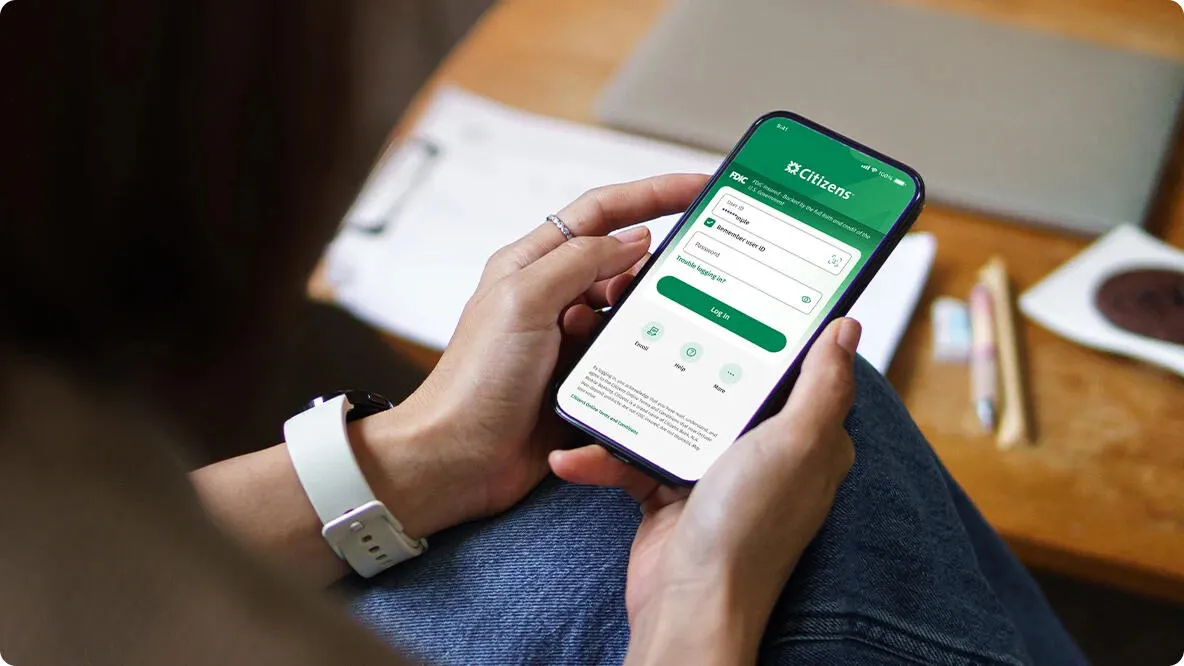
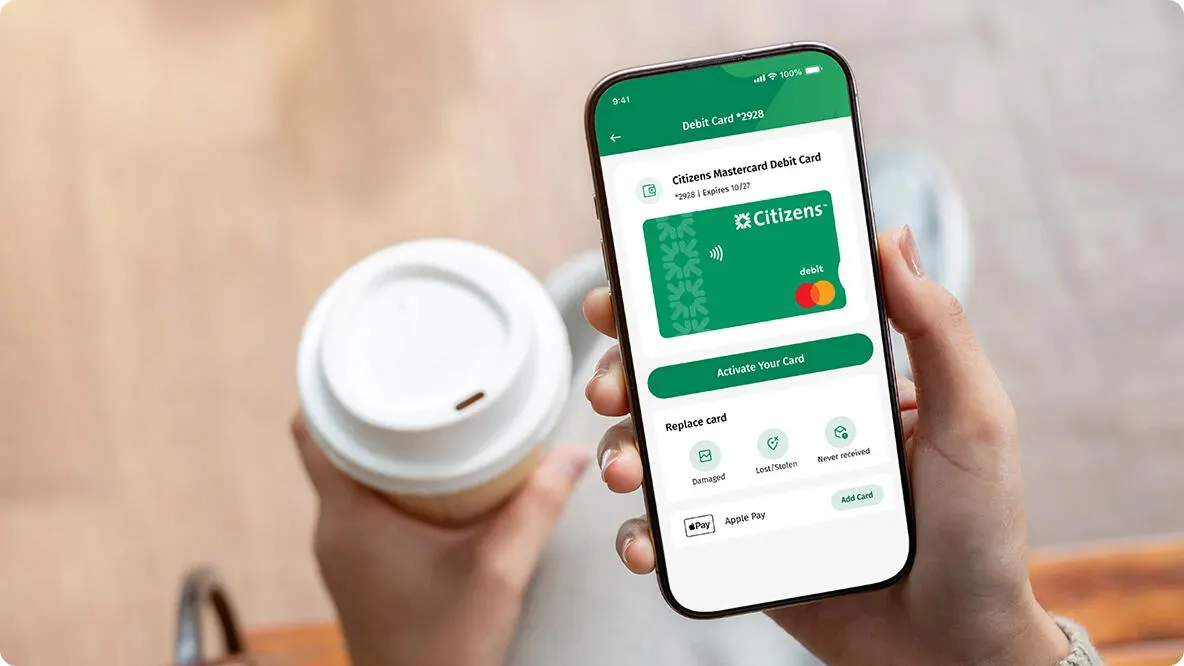
Download our mobile banking app to have 24/7 access to your accounts wherever you are. Make mobile check deposits,1 order a replacement debit or credit card, pay bills and so much more.


© Citizens Financial Group, Inc. All rights reserved. Citizens Bank, N.A. Member FDIC
1 To send or receive money with Zelle®, both parties must have an eligible checking or savings account. Transactions between enrolled users typically occur in minutes. Don't use Zelle® to send money to people you don't know. Data charges may apply.
* Wireless carrier, text and/or data charges may apply.
Apple, the Apple Logo, Apple Pay, iPhone, iPad, and Apple Watch are trademarks of Apple Inc. registered in the U.S. and other countries.
App Store is a service mark of Apple Inc.
Google, Google Play and Google Pay are trademarks of Google LLC. Google Pay works on Android devices running Android Lollipop 5.0 or above.
Zelle® and the Zelle® related marks are wholly owned by Early Warning Services, LLC and are used herein under license.