
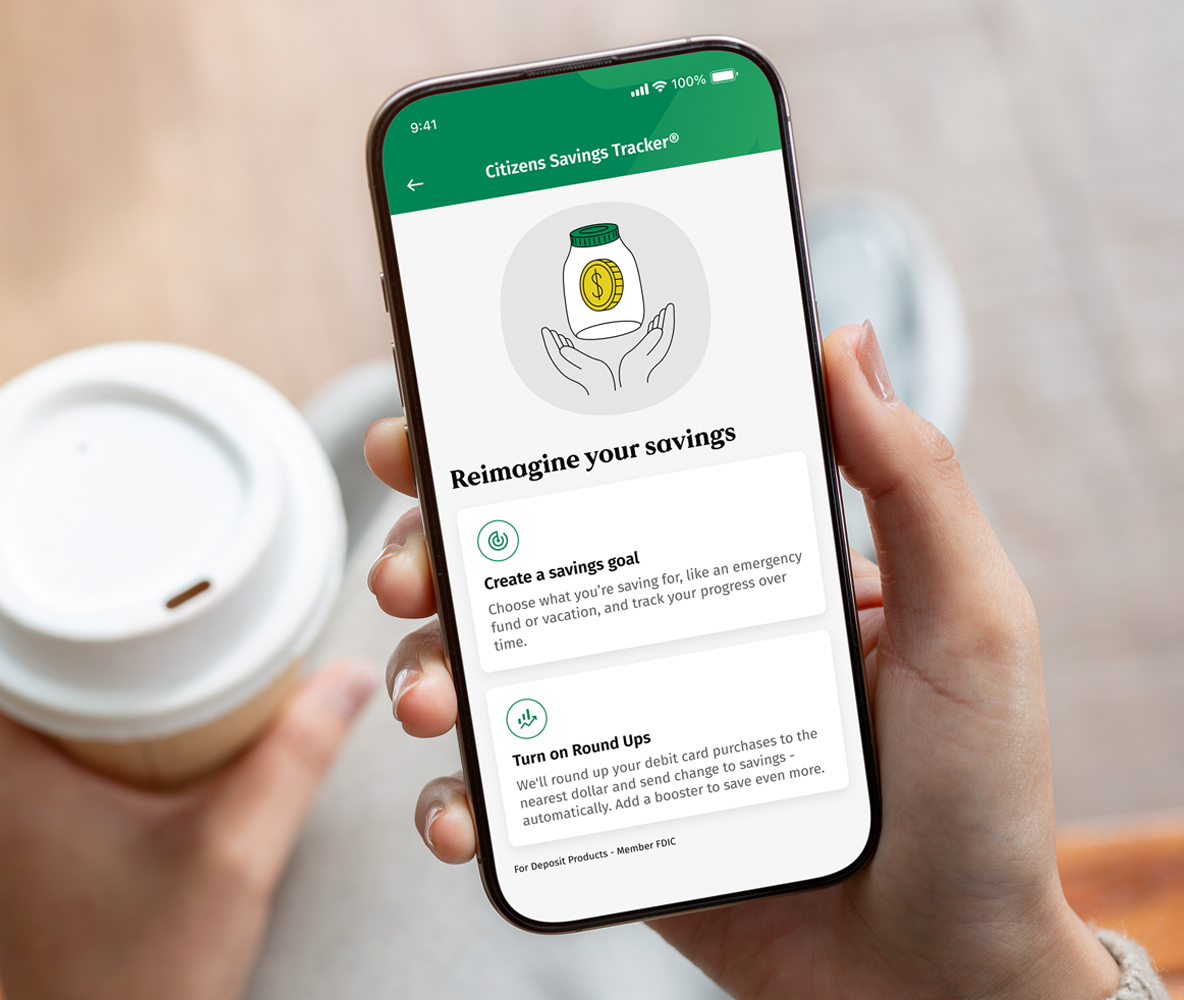
What is Citizens Saving Tracker®?
Citizens Savings Tracker is a tool in the mobile app2 connected to your personal Citizens Savings accounts to help you easily save for specific goals or build savings over time. You can set a goal to anticipate future financial needs, or if you also have a Citizens Checking account with a debit card, you can set up Round Ups.3,4
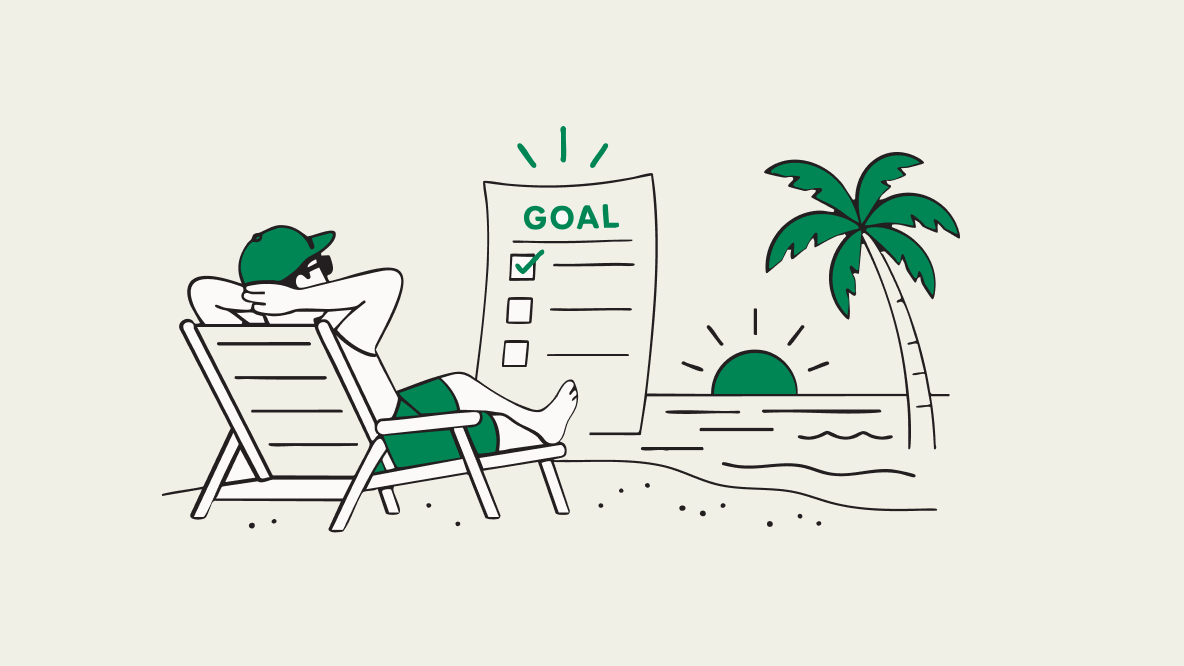
Set a Goal
From vacations to home projects and everything in between, set a savings goal and watch your progress grow every time you log in to the mobile app.2
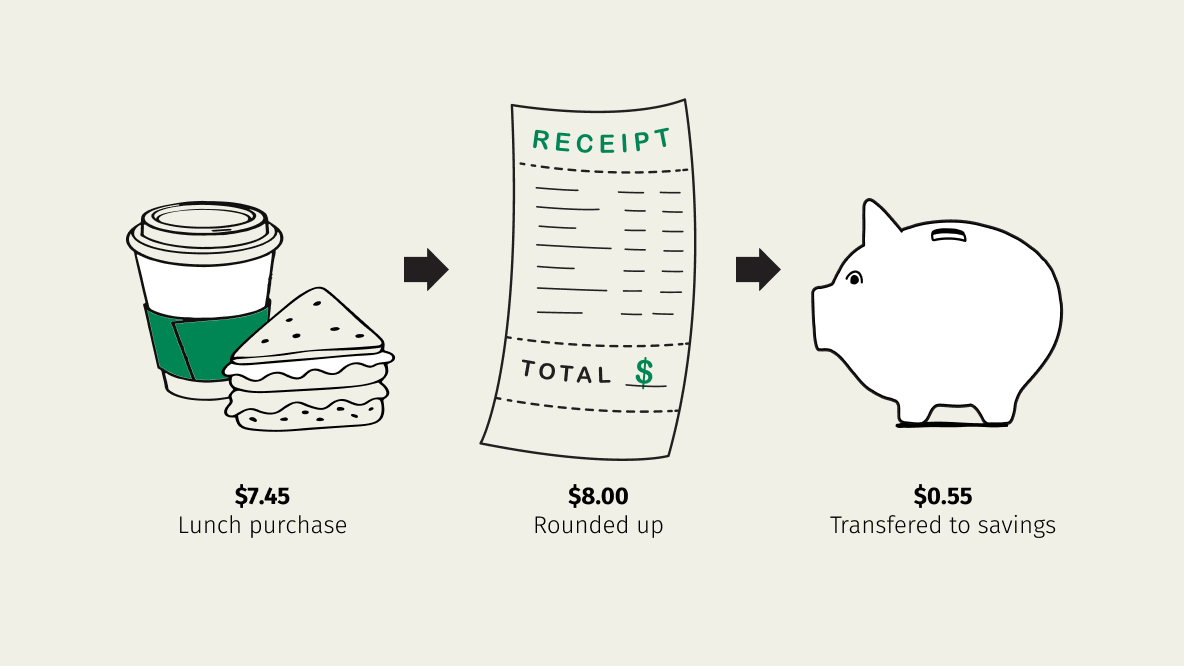
Turn On Round Ups
We round up your debit card purchases and transfer the change to your savings or money market account.3,4 Add a booster to watch your savings grow even faster.
Citizens Savings Tracker FAQs
To start saving and set up your first goal, all you will need is an eligible Citizens Personal Savings or Money Market account. To take advantage of Round Ups, you need an eligible Citizens Checking account and a Personal Savings or Money Market account.
Step 1: Log into the Citizens Mobile Banking app and select Citizens Savings Tracker® under the "Financial wellness" section of your home screen.
Step 2: In the Citizens Savings Tracker, click "Create a savings goal.”
Step 3: Choose a goal category and set your goal name, target amount and target date if you have one.
Step 4: Select what percentage of deposits you want to put toward your goal and choose a savings or MMA account to track your progress.
Your goal is complete!
Each time you log into the mobile app, you can check on the progress of your savings goals through Citizens Savings Tracker® in the app. To get there, select Citizens Savings Tracker® under the "Financial wellness" section of your app home screen.
Yes, you can delete, pause or change a savings goal. Here are the steps:
Step 1: Log into the Citizens Mobile Banking app and select Citizens Savings Tracker® under the "Financial wellness" section of your app home screen.
Step 2: Select Citizens Savings Tracker to see your savings dashboard.
Step 3: Underneath each Savings Goal, you can view your savings dashboard.
© Citizens Financial Group, Inc. All rights reserved. Citizens Bank, N.A. Member FDIC
1 Subject to account eligibility. Only available on the Citizens Bank Mobile Banking application. Text and data rates may apply.
2 Wireless carrier, text and/or data charges may apply.
3 Customer must have an open Citizens personal checking account and an open Citizens personal savings or money market account.
4 Subject to available funds. Additional amount of transfer determined by customer.