
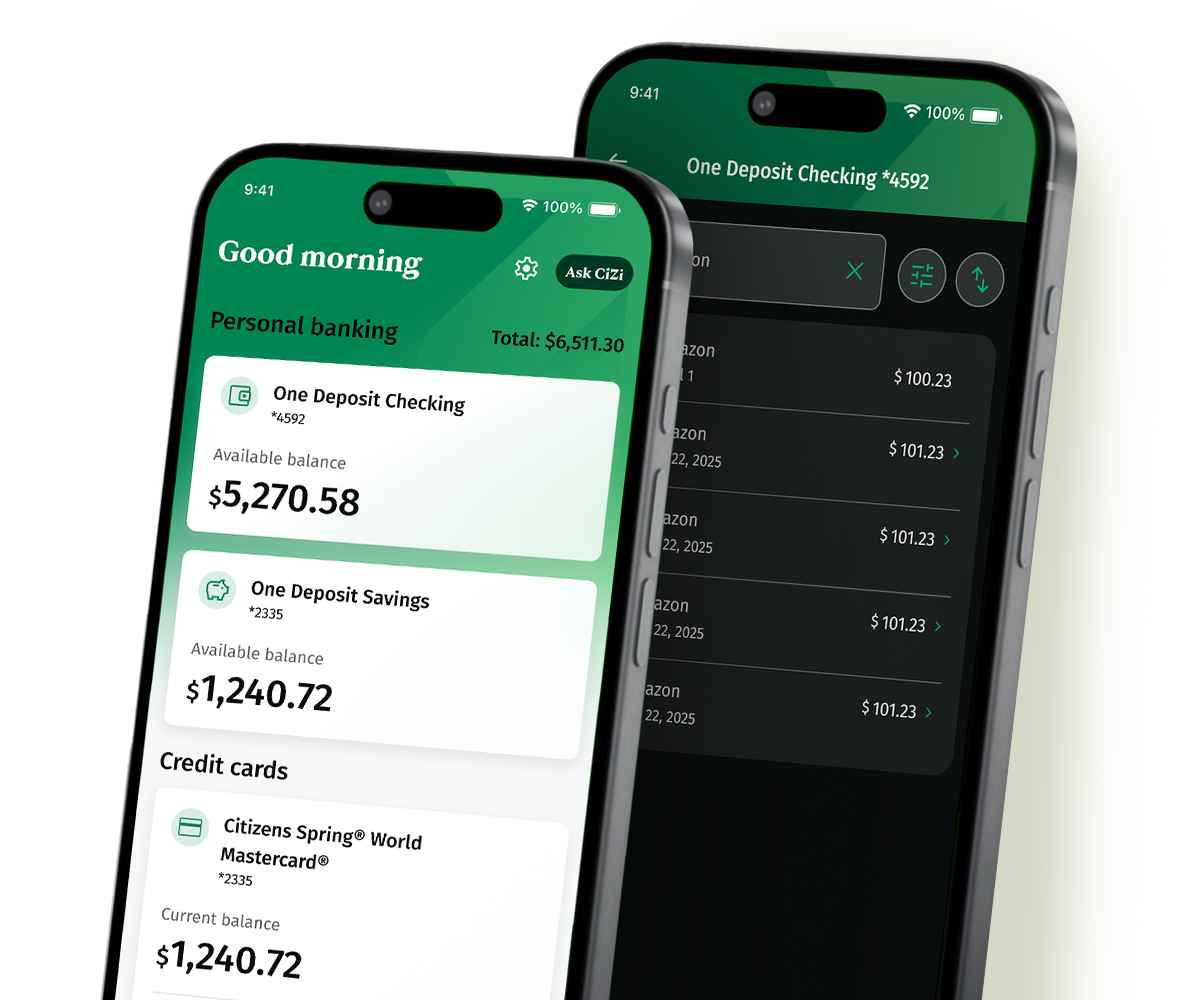
Get to know the updated mobile experience
You're going to love all the features in the app to help you stay in control of your finances whenever, wherever you are.
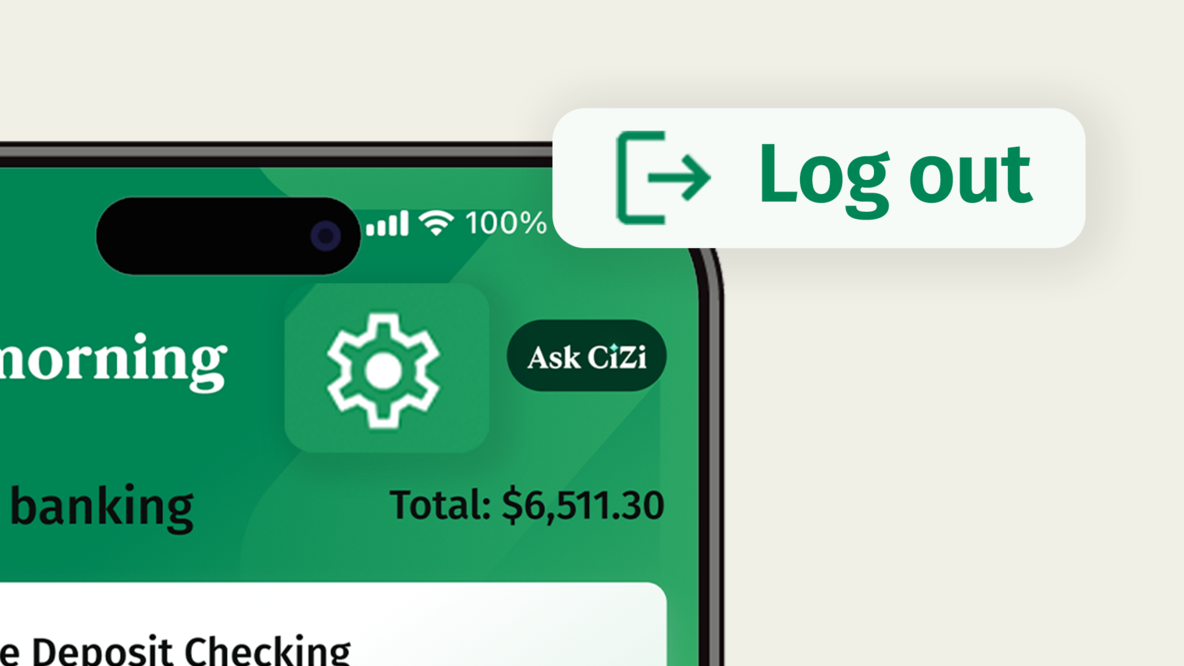
Log out easily
Your Settings screen now includes the log out button, as well as account and security preferences.
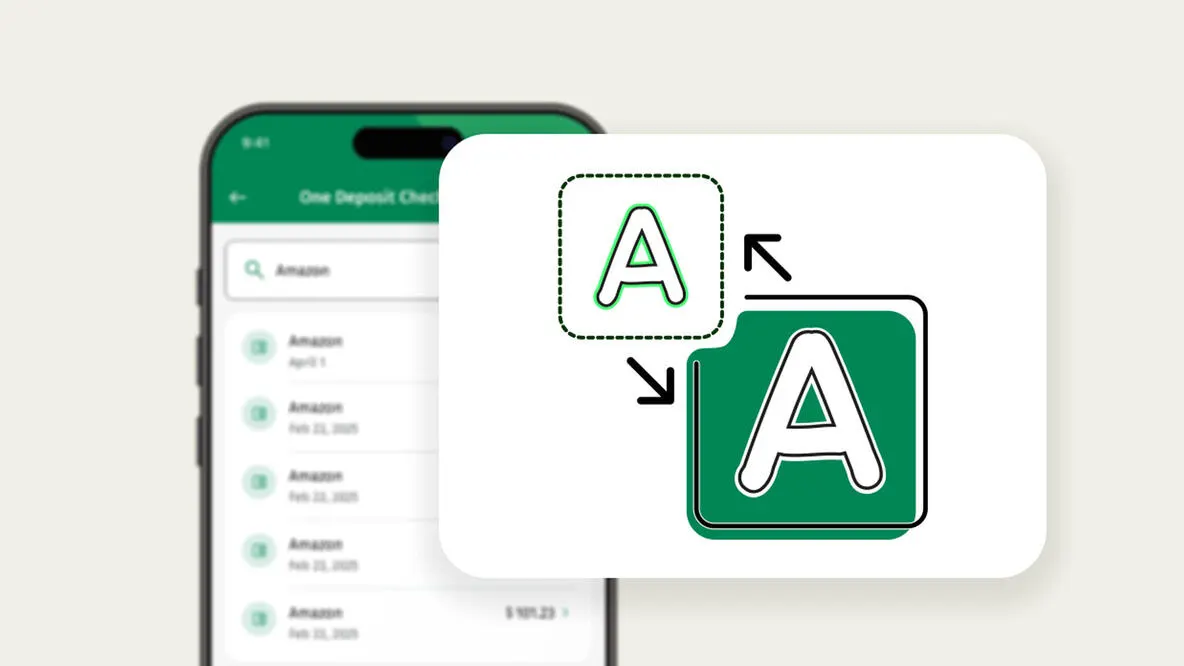
Adjustable font size
Text size matches your device accessibility settings.
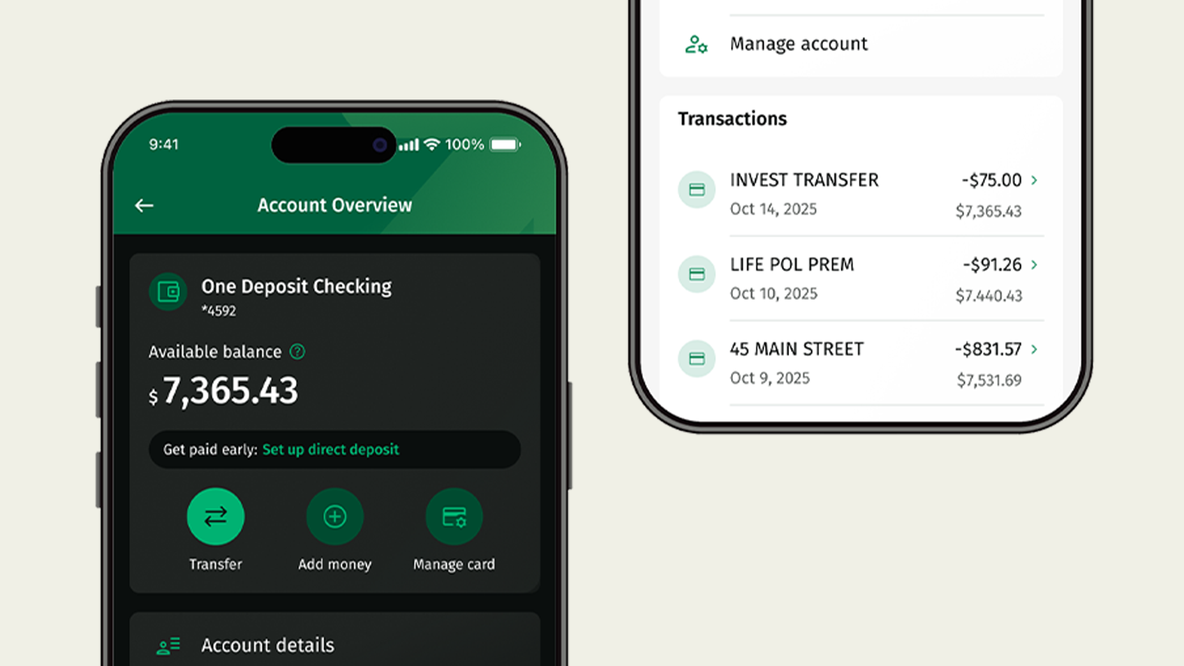
Dark and light mode
Choose the screen theme that's easiest on your eyes.
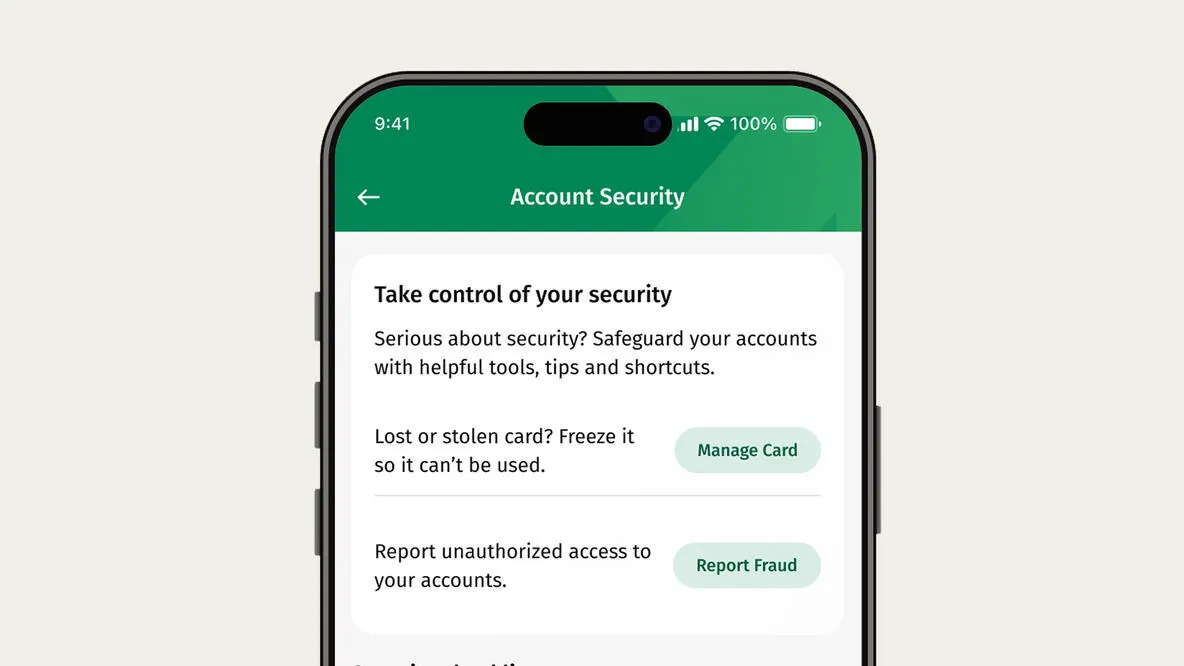
Security Center
Manage your account security preferences in one convenient location.
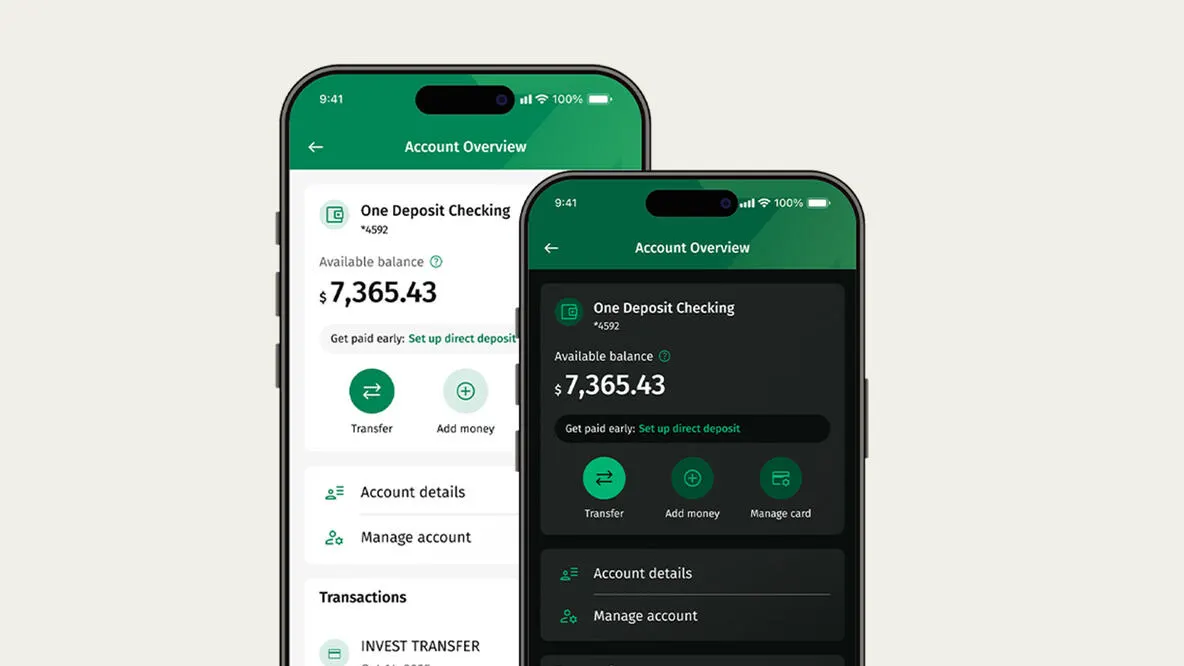
Modernized interface
A new, modern look that's easier to use.
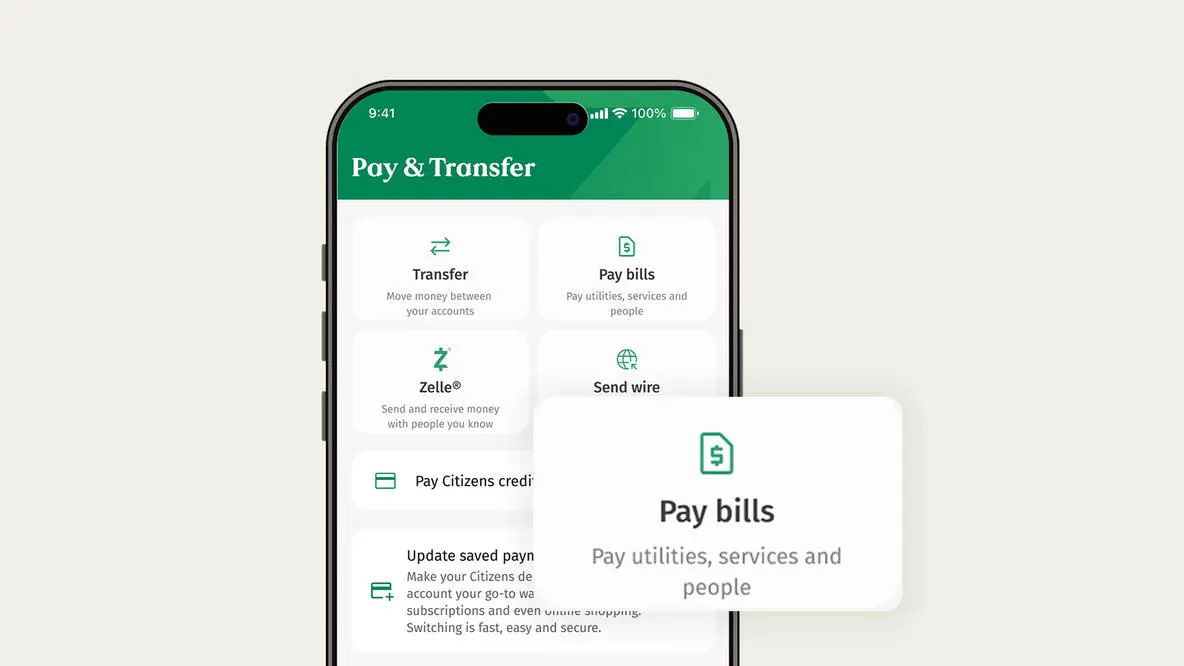
Payments Hub
Conveniently send money and pay bills in the Payments Hub.
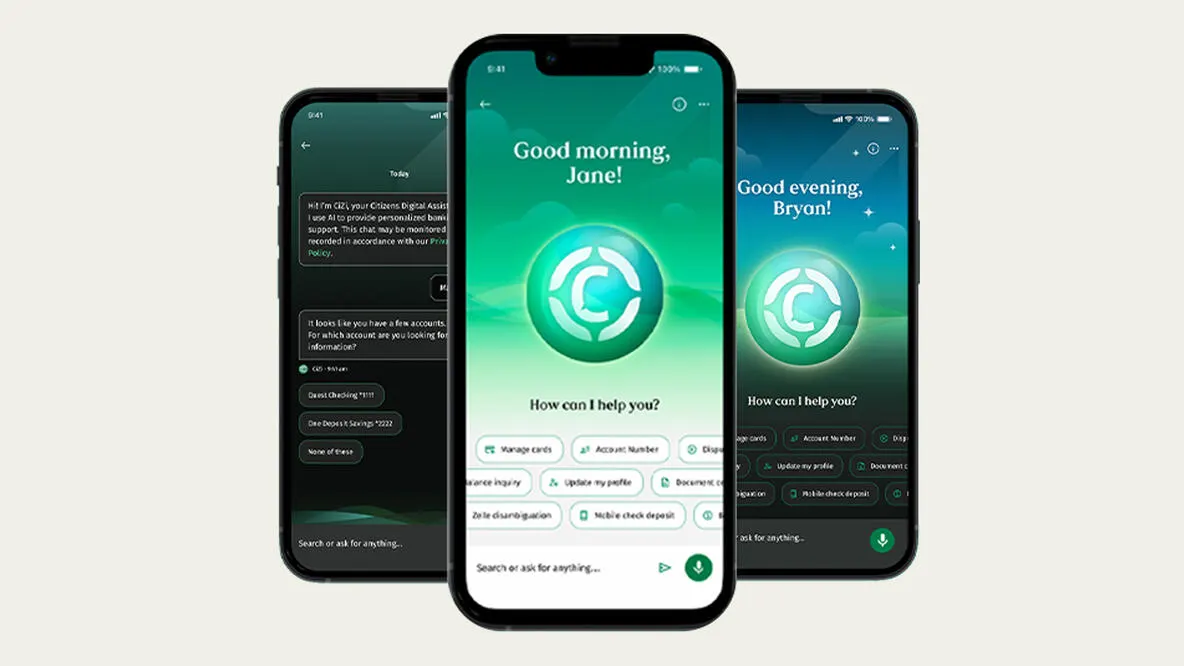
CiZi, Citizens' digital assistant
Available 24/7 to help answer your questions.
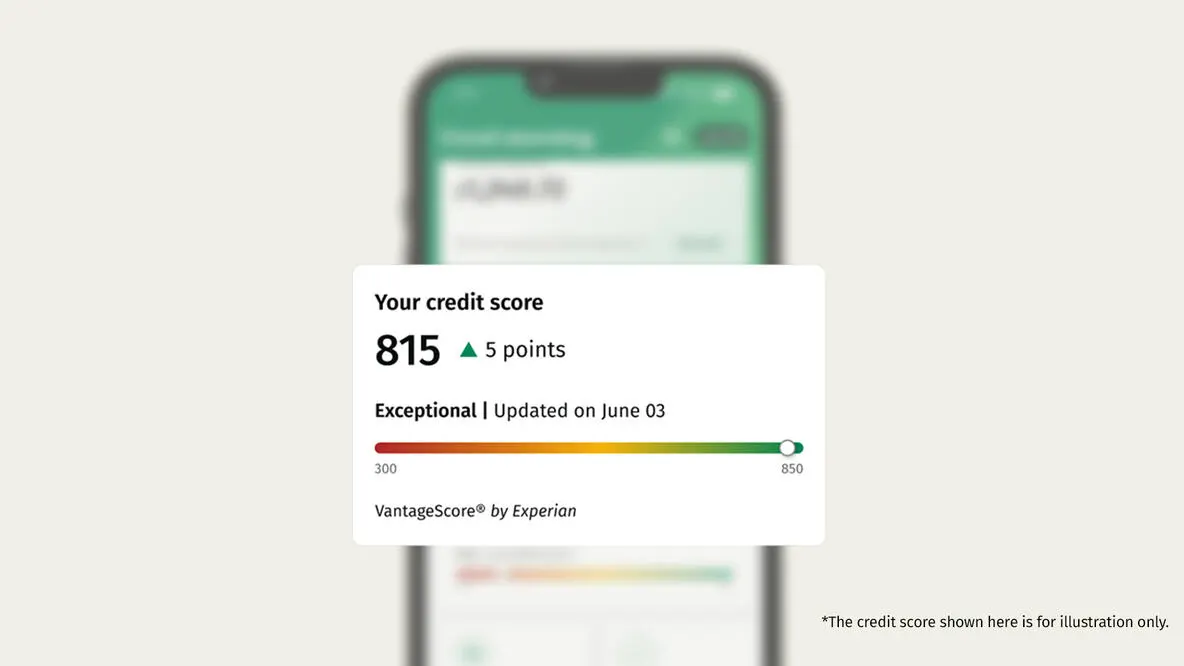
Credit score at a glance
Our Credit Score tool will help you track your score and learn the key factors that impact it.
Explore the new app*
View our online banking demos to see how easy it is to find what you need, manage money and get more done fast.
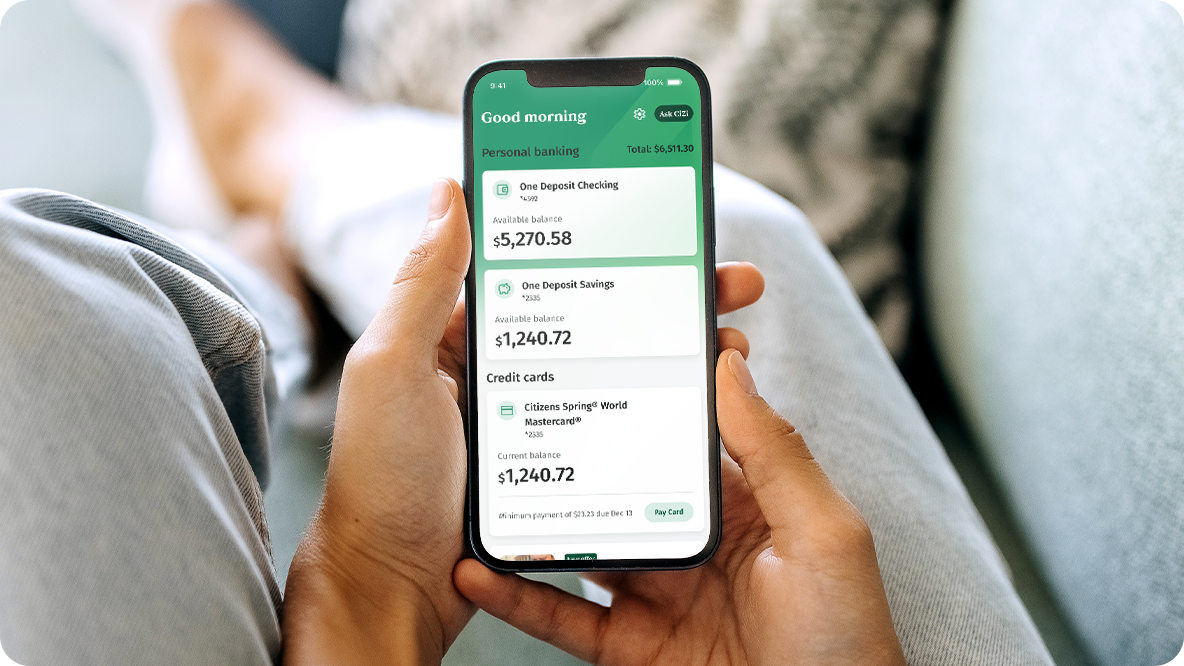
Start using the app* today
Download our mobile banking app to have 24/7 access to your accounts wherever you are. Make mobile check deposits1, order a replacement debit or credit card, pay bills and so much more.


Frequently Asked Questions
You will log into mobile banking using the same user ID and password that you established when you enrolled in Citizens Bank Online®. To log out, select the gear icon in the top right corner of your screen and then click the Log Out button from the menu.
For iOS devices:
- Open the Settings screen
- Go to Accessibility
- Tap on Per-App Settings
- Select the Citizens app
- Then change the display and text size to your preference
For Android devices:
- Open the Settings screen
- Select Font Size
- Move the slider left or right to adjust the font size
You can switch between light and dark mode by selecting the Settings gear icon in the top‑right corner. From the menu, choose Dark Mode, then select whether you want it turned on, off, or set to match your device settings.
When completing a transaction, look for the decimal point on the bottom of your keyboard. By selecting the decimal, you can enter the cents correctly.
If you have an iPhone (iOS), look for the decimal in the bottom left corner.
If you have an Android, look for the decimal in the bottom right corner.
The new Citizens mobile banking app should update automatically if you have your automatic updates on. If it does not update automatically, you will have to go to the App Store® or Google Play™ to update it. There is no need to delete the app and reinstall it.
All account information entered and displayed through Mobile Banking is secure and encrypted using Secure Socket Layer (SSL) technology. We also protect information by using hardened connections called Firewalls. Only devices authorized to communicate with the mobile banking system can make a connection.
In addition, we require users to log into Mobile Banking with the same user ID and password combination as Online Banking. The Mobile Banking app* also certifies all devices before adding them to the list of supported devices to ensure that all transactions are fully encrypted and secure. Mobile Banking for retail customers is covered by our Online Banking Guarantee.
You can enable/disable Fingerprint Login and Touch ID® from the Login & Security section within Settings. Fingerprint and Touch ID® will need to be set up on your device before it can be enabled within the application.
You can create a new user ID by clicking the "Forgot Online User ID?" link, or a new password by clicking the "Forgot Password?" link located on the Online Banking "Login" page. Or, you can call Customer Service at 800-656-6561.
© Citizens Financial Group, Inc. All rights reserved. Citizens Bank, N.A. Member FDIC
* Wireless carrier, text and/or data charges may apply.
1 Mobile Deposit account eligibility requirements, deposit limits and other restrictions may apply. Data use fees may apply.
Apple, the Apple logo, and Touch ID are trademarks of Apple Inc., registered in the U.S. and other countries. Apple store is a service mark of Apple Inc.
Android and Google Play are trademarks of Google Inc.
Mastercard and the circles design are registered trademarks of Mastercard International Incorporated.