

Types of threats and how to keep yourself safe
Learn how each scam works and what to watch for.

Phishing and smishing
Scammers send emails and texts that look like they're from your bank to steal your info. Check the sender's address, hover over links, and never share personal details through a message.
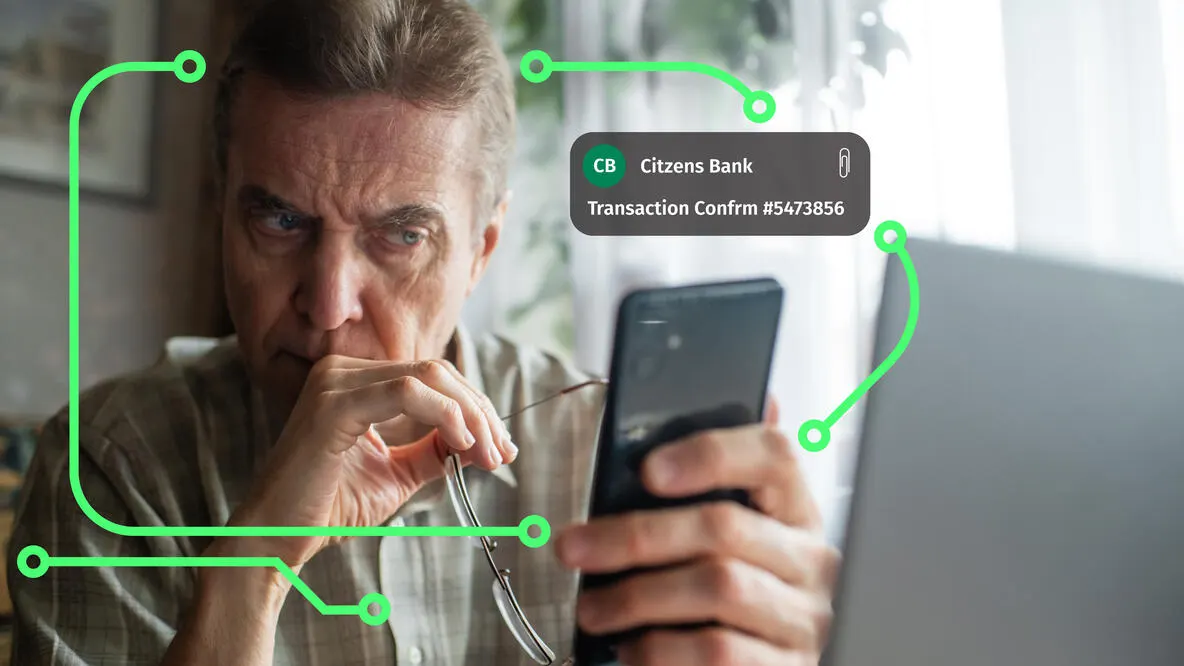
Guard Your Social Accounts
Fraudsters hack or impersonate people you trust on social media. Verify unusual requests through another channel and enable multi-factor authentication to lock down your accounts.
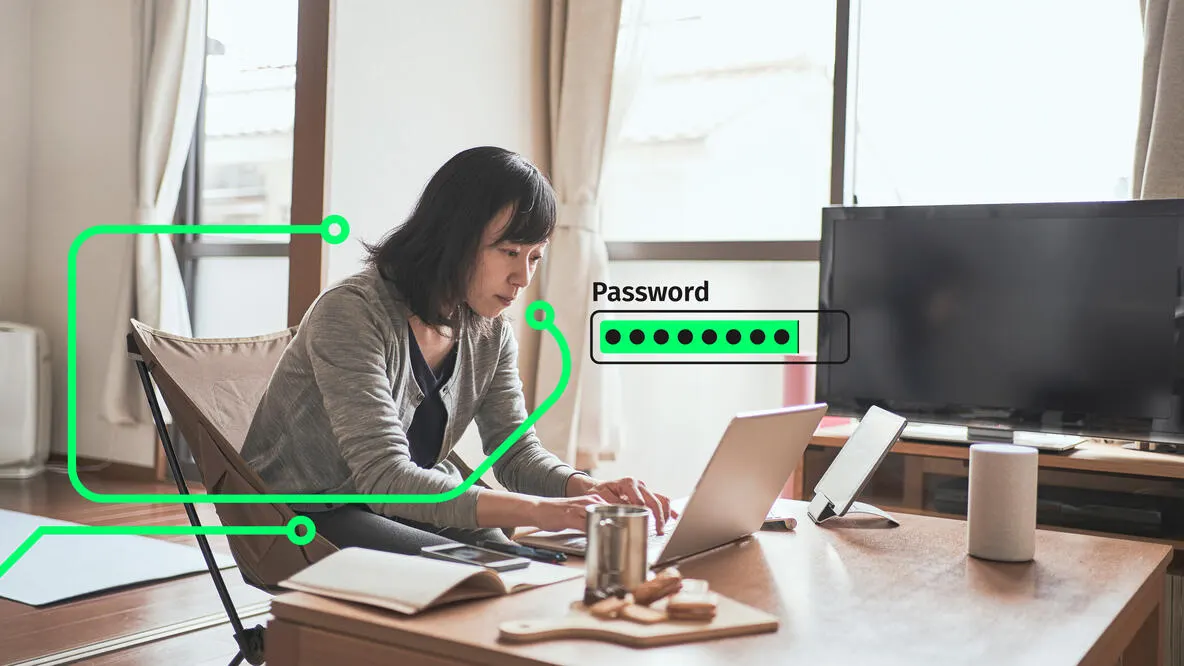
Strengthen Your Passwords
Hackers use powerful software that can crack weak passwords in minutes. Use a password generator, store them in a trusted password manager, and turn on multi-factor authentication.
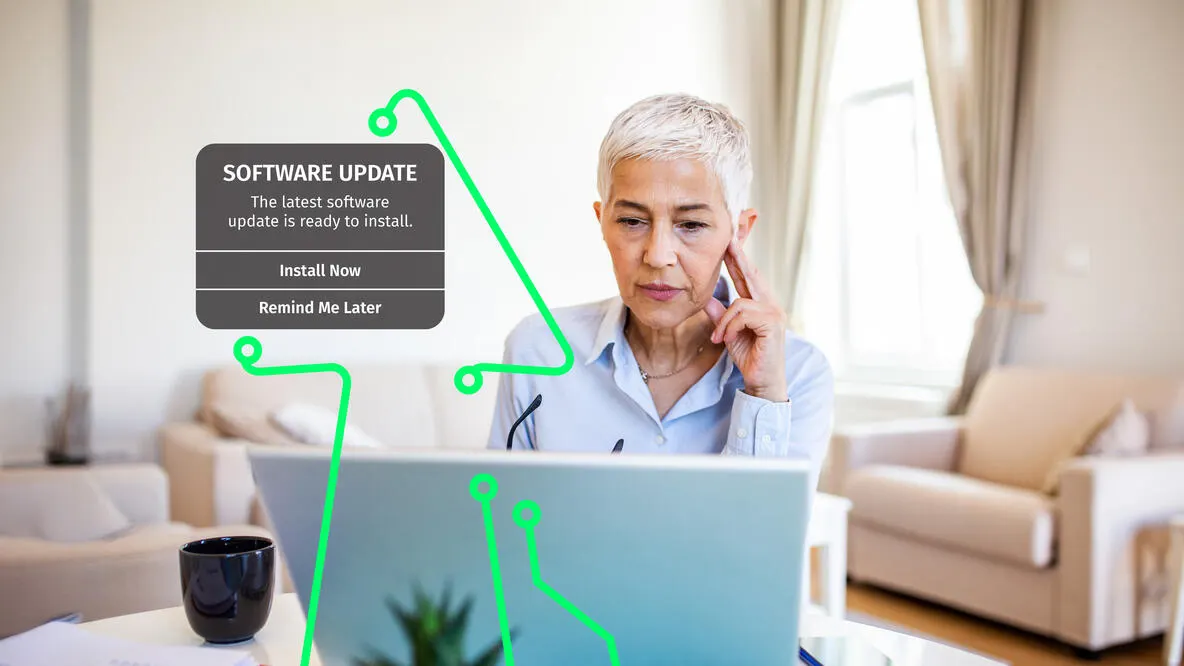
Keep Your Software Current
Outdated software leaves the door open for cybercriminals. Updates patch security gaps and protect against the latest threats. Turn on automatic updates so you're always covered.
What to do if you think you've been a victim of fraud
Report fraud in the app*
If you suspect fraud on a debit transaction, file a claim in the mobile app. Choose a transaction to begin the dispute.
Contact Customer Service
Our dedicated Fraud Customer Service Center can support you if you suspect fraud.
How Citizens Contacts You
Learn about the security measures in place to prevent fraud and shield your critical financial information.
Learn more about protecting your business
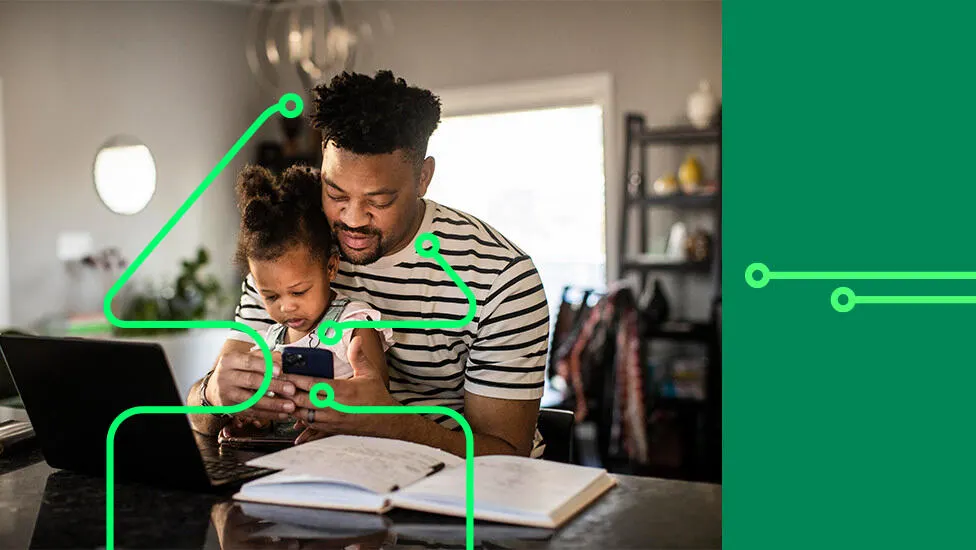
How to secure your phone
Keep your data safe on your phone with smart habits like updates, secure logins, and trusted apps.
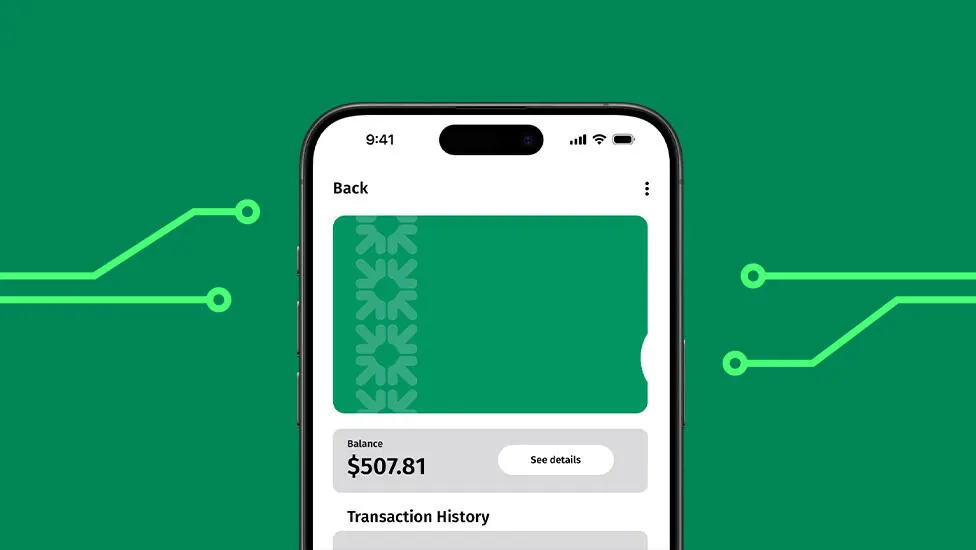
Is your digital wallet safe?
Check out some of these trusted organizations for actionable advice to help grow your business.
5 mistakes you could be making online
The most successful businesses use cash management tools and digital resources to prevent fraud.
© Citizens Financial Group, Inc. All rights reserved. Citizens Bank, N.A. Member FDIC
Disclaimer: The information contained herein is for informational purposes only as a service to the public and is not legal advice or a substitute for legal counsel. You should do your own research and/or contact your own legal or tax advisor for assistance with questions you may have on the information contained herein.
*Wireless carrier, text, and/or data charges may apply.