
Is mobile banking safe?

Mobile banking has built-in features like password protection, encryption, multi-factor authentication and alerts to keep your financial information safe. However, fully protecting yourself requires taking additional security precautions on your personal device. You can help prevent exposing your sensitive data by regularly updating your phone's operating system, turning off or hiding your Bluetooth connection during transactions and only using trusted Wi-Fi connections when banking.
Key takeaways
- Mobile banking is safe but depends on both the bank’s protections and the user’s actions.
- Your bank’s mobile app uses safety features like encryption, firewalls, fraud alerts and auto sign-out.
- You can enhance security by keeping your phone’s operating system updated, avoiding banking over public Wi-Fi or Bluetooth and only using trusted peer-to-peer payment apps.
Mobile banking makes managing your money and completing everyday banking tasks a breeze. Rather than waiting in line for a teller, you can pay bills, send money to a friend or deposit a check with just a few taps by using your bank's app. But, with spoofing, phishing and bluesnarfing scams becoming more common on phones and other devices, is mobile banking safe?
Thanks to your bank's security features, such as password protection, encryption and alerts, mobile banking can help you protect your accounts and personal information. And when you combine mobile banking with other precautions, like keeping your phone updated, you’ll double up on the safety factor.
Find out what you can do to enhance your mobile phone security and how your bank keeps your info safe.
Mobile banking security starts with your device
The first step to keeping yourself safe is securely setting up your phone or mobile device. Strong device-level protections make it much harder for scammers to access your information and accounts, helping prevent financial loss before it occurs. Take these three steps to uplevel your device security.
1. Keep your phone updated for mobile banking security
Make sure you have the most recent operating system on your phone or device. Experts advise installing operating system updates as soon as they're available, as they often contain security fixes for identified vulnerabilities. Knowing many people neglect these updates, hackers often attempt to breach out-of-date devices. In "Settings," toggle on "automatically install updates" so you'll always have the most up-to-date software.
2. Avoid using Bluetooth for banking
You may want to use your phone hands-free, but pairing, a process where you allow a Bluetooth connection to occur before data is shared, can put your personal data at risk. For example, in "bluesnarfing," scammers use your Bluetooth connection to steal your data, so it's important to avoid enabling Bluetooth for banking and other sensitive transactions.
If you absolutely must use Bluetooth to perform a bank transaction, be sure to toggle to the "hidden" mode rather than "discoverable" mode. This prevents other unknown devices from finding your Bluetooth connection. And turning Bluetooth off when you're not using it makes your device invisible to hackers scanning for available targets.
3. Be smart about public Wi-Fi networks
Public Wi-Fi is a great amenity, but it shouldn't be used for everything, especially banking. Fraudsters have a much easier time gaining access to your smartphone when you're on public Wi-Fi, since a login often isn't required to access the network.
It’s good practice to avoid public Wi-Fi altogether when online banking. If you're making transactions on a mobile device, make sure you log off the public Wi-Fi and solely use cellular data. And always pay attention to any warning messages from your device about unsecure connections. On iPhones, a warning will indicate that the server identity can't be verified and ask if you still want to connect. You'll be prompted to click "continue" before you can join the Wi-Fi.
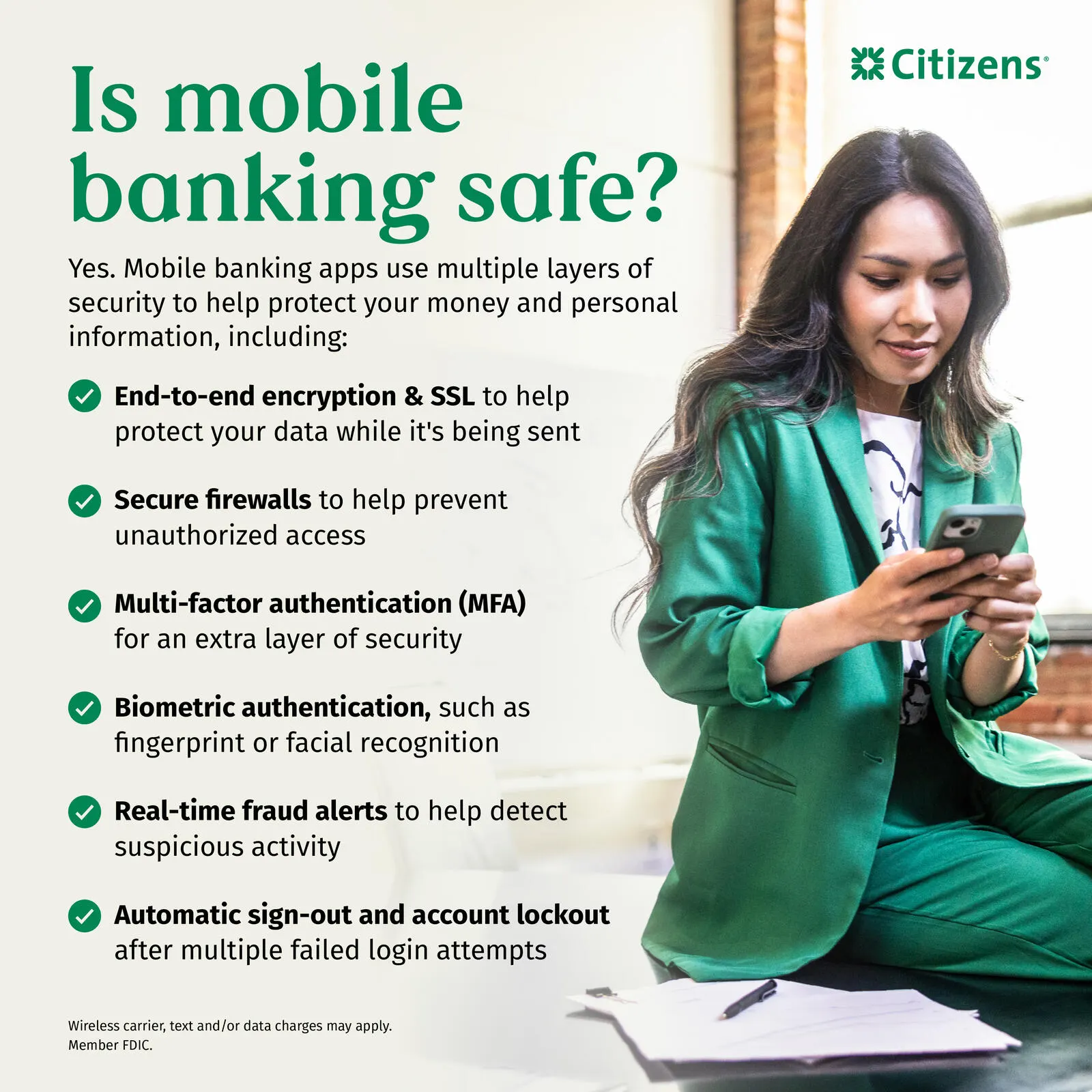
Safety features in the Citizens Mobile App
Your bank takes your safety and security seriously. The Citizens Mobile App has features to make sure that you, and only you, can access your bank account information:
- Secure socket layer (SSL) encryption: When using the app, any information you send over the internet gets encrypted so it appears as gibberish to anyone who intercepts it.
- Firewalls: To get through to the app, any data needs to first pass through the Citizens firewalls, which only recognize and accept certain messages.
- Multi-factor authentication (MFA): MFA goes one step beyond password protection, requiring you to input a code to prove that you're really you. By requiring more than one login credential to get to an account, it's much harder for cybercriminals or thieves to hack their way in.
- Biometric authentication: Biometric authentication uses your face or fingerprints to identify you, keeping hackers out of your accounts. Biometric security features are the strongest ways to protect your phone if it ends up in the wrong hands.
- Fraud alerts: If there's any unusual activity on your account, such as a higher-than-usual transaction or spending in a country that has a lot of fraud incidents, the app will alert you and ask you to verify the transaction.
- Auto sign out: Should you forget to log out or close the app, it'll automatically sign you out after a period of inactivity, keeping your info from falling into the wrong hands.
- Account lock: The app locks your account down after too many unsuccessful sign-in attempts. To regain access, you'll need to contact Citizens directly.
While the Citizens Mobile App helps keep your financial information safe and secure, taking these additional steps to customize your security settings and set up alerts ensures scammers won't be able to reach your sensitive data while you bank on the go:
- Use biometric login on all your devices where you'll be banking.
- Verify that MFA is enabled and create strong passwords.
- Turn on transaction and password change alerts.
- Review your account activity regularly so you can spot suspicious activity.
- Confirm your contact information is up to date so Citizens can reach you.
Stay safe while using peer-to-peer payment apps
Peer-to-peer (P2P) payment apps have become a convenient part of everyday life, making it easy to send money to friends, family or service providers with just a few taps. When used correctly, these apps are a secure way to manage your finances.
To help ensure your financial information stays safe, follow these best practices when using P2P apps:
- Only download apps from reputable sources. Never download payment apps from links in text messages, emails, or search engine ads. Cybercriminals often create fake versions of popular apps to steal your personal information. Instead, go directly to trusted app marketplaces like the Apple App Store® or Google Play®.
- Use trusted and well-known P2P apps. Stick with apps that are backed by credible companies or financial institutions and widely recognized, like Cash App® PayPal® Venmo®, and Zelle®. Apps built into your bank's platform often provide an extra layer of security.
- Only send money to people you know and trust. Most P2P apps don't allow you to cancel a payment once it's sent. Always double-check the recipient's information before sending funds and avoid sending money to strangers or unfamiliar businesses.
With your phone secure, take the next step
Mobile banking safety starts with a few simple habits. By enabling security features, keeping your device updated and staying alert to suspicious activity, you can take steps to help protect your personal and financial information before fraud occurs. Banking should be as secure as it is convenient. If you’re looking for safe, reliable banking wherever you are, start by downloading the Citizens mobile app.*
Related topics

How to detect and protect yourself from fraud
Cyber criminals attempt to steal financial and personal information. Learn how Citizens will verify your data and how to spot a scammer.

Identity theft protection: 4 ways to keep yourself safe
Keep your information secure and learn the signs so that you can act if your identity is compromised.

9 must-try features of Citizens’ mobile banking app
Get help from CiZi, deposit a check, transfer a balance, monitor your accounts, pay your bill and more.
© Citizens Financial Group, Inc. All rights reserved. Citizens Bank, N.A. Member FDIC
* Wireless carrier, text and/or data charges may apply.
Zelle® and the Zelle® related marks are wholly owned by Early Warning Services, LLC and are used herein under license.
Apple and the Apple logo are trademarks of Apple Inc., registered in the U.S. and other countries. App Store is a service mark of Apple Inc.
Android and Google Play are trademarks of Google Inc.
Disclaimer: The information contained herein is for informational purposes only as a service to the public, and is not legal advice or a substitute for legal counsel, nor does it constitute advertising or a solicitation. You should do your own research and/or contact your own legal or tax advisor for assistance with questions you may have on the information contained herein.