
How to identify a scammer and respond if you're targeted

Someone contacting you online or by phone is likely trying to scam you if they pressure you to act immediately, ask for personal information such as passwords or one-time passcodes, request payment by unusual methods like gift cards or cryptocurrency, or use a link with misspelled URLs or wrong domain names. The single most reliable rule: If you didn’t initiate the contact, don’t share personal or financial information. Hang up or close the message, then reach out to the company directly using a phone number or website you trust.
Key takeaways
- Scammers impersonate banks, government agencies and people you know. They can fake caller ID and even clone voices using AI so the contact appears legitimate.
- Pressure to act immediately through threats of account closure, legal action or a too-good-to-be-true offer is one of the strongest signs of a scam.
- If you encounter a suspicious message or think you have been targeted, slow down and pause before acting, verify the request and report the incident.
Do you know how to identify a scammer? Protecting yourself against scams online and over the phone requires constant vigilance, and today's scams are designed to look legitimate. The goal isn't always to spot every scam immediately, it's to know how to pause, verify and respond safely when something doesn't feel right.
According to Citizens' recent Cybersecurity & Fraud Survey*, 50% of respondents have experienced an online scam or fraud attempt. Knowing what to watch for is one of the smartest ways to prevent it from happening. Here's how to identify a scammer, how to keep your personal and financial information safe and how to respond when you've been targeted.
The core warning signs of a scam
If you encounter any of the following warning signs, it is highly likely that you are dealing with a scammer:
- Unexpected contact: You receive an unprompted phone call, text, email or social media message from an organization or person you weren't expecting to hear from.
- Pressure to act immediately: The sender creates a false sense of urgency, claiming your account will be closed, legal action will be taken or you'll miss out on a massive opportunity if you don't act right away.
- Demanding payment: You are asked to send money quickly, particularly through untraceable or unusual methods like gift cards, wire transfers, payment apps or cryptocurrency.
- Asking you to lie or stay silent: The person explicitly instructs you not to hang up the phone, tells you to keep the conversation a secret from your family or asks you to misrepresent the situation to your bank.
Types of scams and how to identify them
Scammers use a variety of channels to reach you, but their ultimate goal is always the same: to gain your trust and access your private information or money. Here is a breakdown of the most common types of scams you might encounter and how to protect yourself against them.
Bank imposter scams
Fraud departments are designed to protect you, which is exactly why scammers love to impersonate them, and why they can be so difficult to identify. In fact, of those who responded to Citizens Cybersecurity & Fraud survey, only 16% feel completely confident they could recognize a financial scam.
In a bank imposter scam a scammer may:
- Call or text you claiming there is suspicious activity on your account
- Use technology to mask their phone number so it displays your actual bank's name on your caller ID
- Ask you to confirm private details to "verify your identity"
- Request that you transfer funds to a "safe account" while they resolve the issue
Remember, your bank will never call, text or email you out of the blue to ask for confidential information. They will also never ask you to transfer funds or send a wire to protect your money.
It is helpful to understand how your bank will contact you and what those messages look like. If you receive an unexpected request for private details from someone claiming to be your bank, do not share any information. Call your bank directly using the number on the back of your debit or credit card or the official number on its website to ensure you are speaking with a legitimate representative.
Online scams
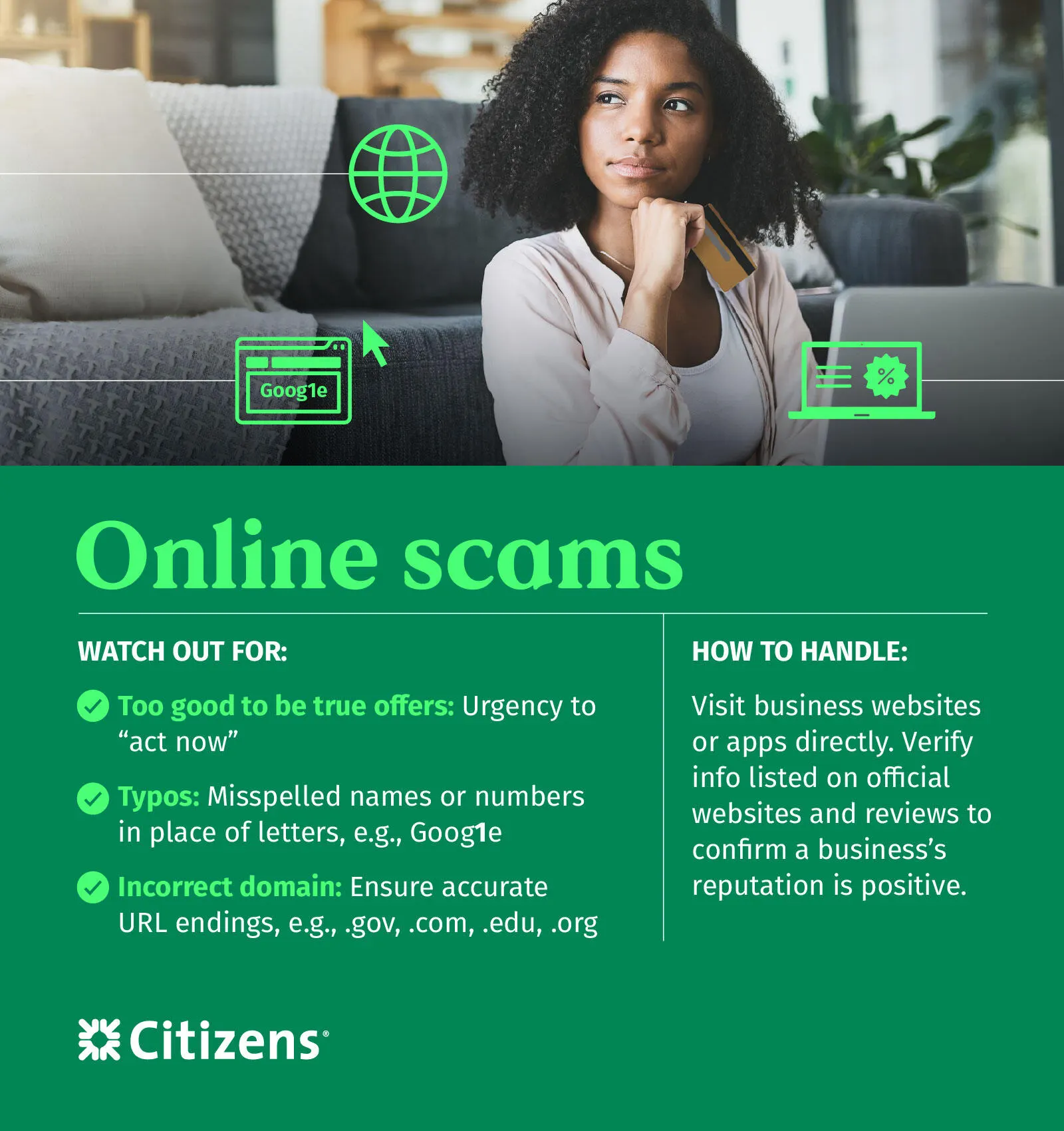
Fraudulent websites and apps are common avenues for online scams. Scammers want you to click a link that directs you to a fake website designed to steal your passwords and account numbers, or to download harmful software onto your device. Some create fake online stores and collect your personal information through fraudulent sales.
Because modern online scams look incredibly realistic, checking the destination link is your best line of defense. Before you click, hover your cursor over the link to see the true destination address. On a smartphone, firmly press and hold the link for a moment to preview the actual URL before opening it. To verify a link:
- Verify the domain structure: Look closely for subtle tricks like a missing letter (CitizenBank.com instead of CitizensBank.com), a hyphen where it doesn't belong, an unusual extension (like .info or .biz instead of .com) or character swaps (like replacing the letter "O" with a zero).
- Navigate independently: If you receive an email or text about an account issue, never use the provided link. Open a new browser tab and manually type in the company's verified web address or use their official mobile app.
- Look for secure connection signs: Ensure the URL starts with https:// (the "s" stands for secure) and has a padlock icon in the browser bar before entering any information. While not a guarantee, a missing padlock on a site asking for a password is an immediate sign to walk away.
When in doubt, the safest rule of thumb is simple: If the web address looks even slightly wrong, don't click it.
Email scams (phishing)
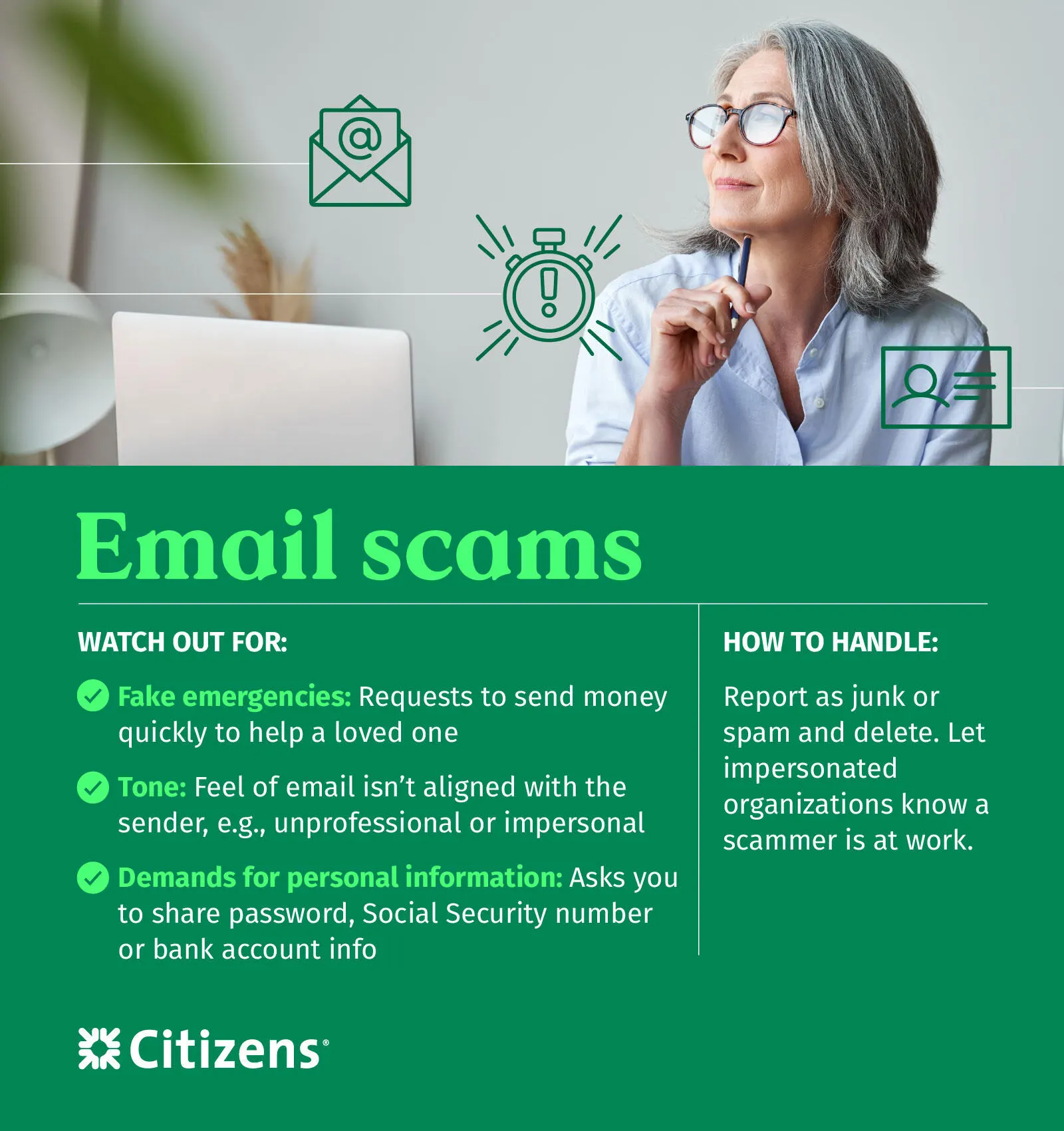
While some email scams rely on deceptive links, others are designed to trick you into voluntarily replying with sensitive details or acting on a false request. This is known as phishing, and it often involves a scammer posing as someone you trust.
Phishing emails generally rely on a few specific psychological triggers:
- Artificial urgency: A critical account is about to be suspended, a major payment is past due or you have a limited time to claim a financial reward
- An unusual tone or request: Emails from a familiar name but deviate from how they normally communicate — a coworker asking you to buy gift cards for an office party or a vendor asking you to update payment details via an email reply
- Generic greetings or odd formatting: Impersonal greetings like "Dear Customer" or "Sir/Madam" instead of your actual name
If an email feels off, do not reply or forward it. Instead, flag it as junk or spam and delete it. If you want to verify if the request was legitimate, reach out to the sender through a separate channel like a trusted phone number or an established email thread.
Call (vishing) and text (smishing) scams
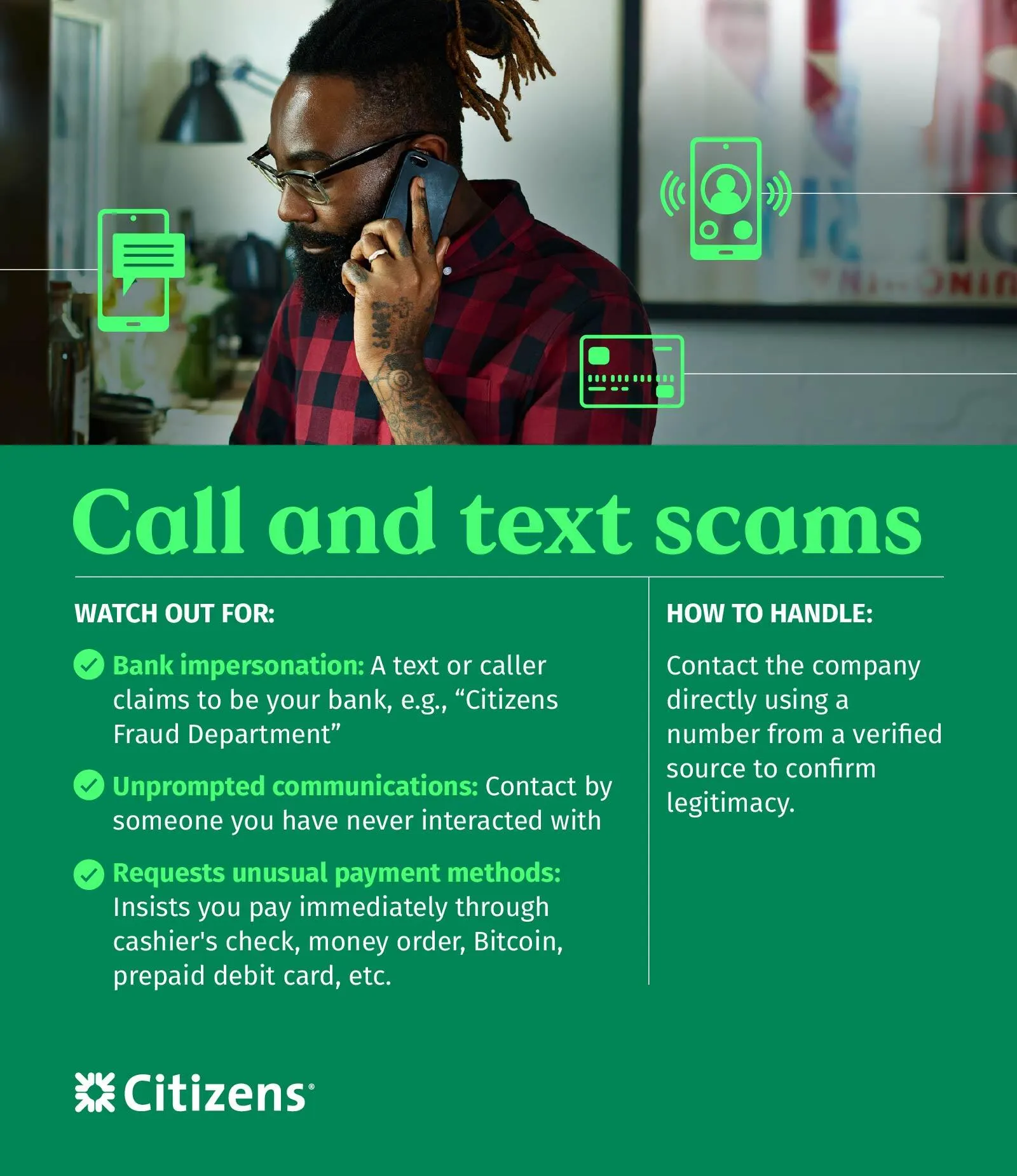
Phone-based scams generally fall into two categories: Vishing (voice scams) and smishing (text message scams). Both tactics are designed to catch you on the go when you are more likely to react quickly without checking the details.
Here is what to watch out for on your mobile device:
- Urgent text alerts (smishing): Messages demanding immediate action to resolve a fake issue, such as a shipping company requiring you to click a link to reschedule a delivery
- High-pressure calls (vishing): Callers using aggressive language regarding back taxes, outstanding legal issues or fake sweepstakes winnings to pressure you into sharing account numbers
If you receive an unexpected text with a link, don't tap it. If a caller pressures you for information, hang up. You can always verify the situation by contacting the company directly using a phone number from a trusted source.
Social media scams
Citizens Cybersecurity & Fraud Survey* found that 63% respondents reported encountering scams on social media at least sometimes. Social media platforms are highly effective tools for scammers because it is incredibly easy to create a convincing, fake online persona. Fraudsters use these platforms to build unearned trust, sliding into your direct messages or feed with stories tailored to exploit your emotions or financial goals.
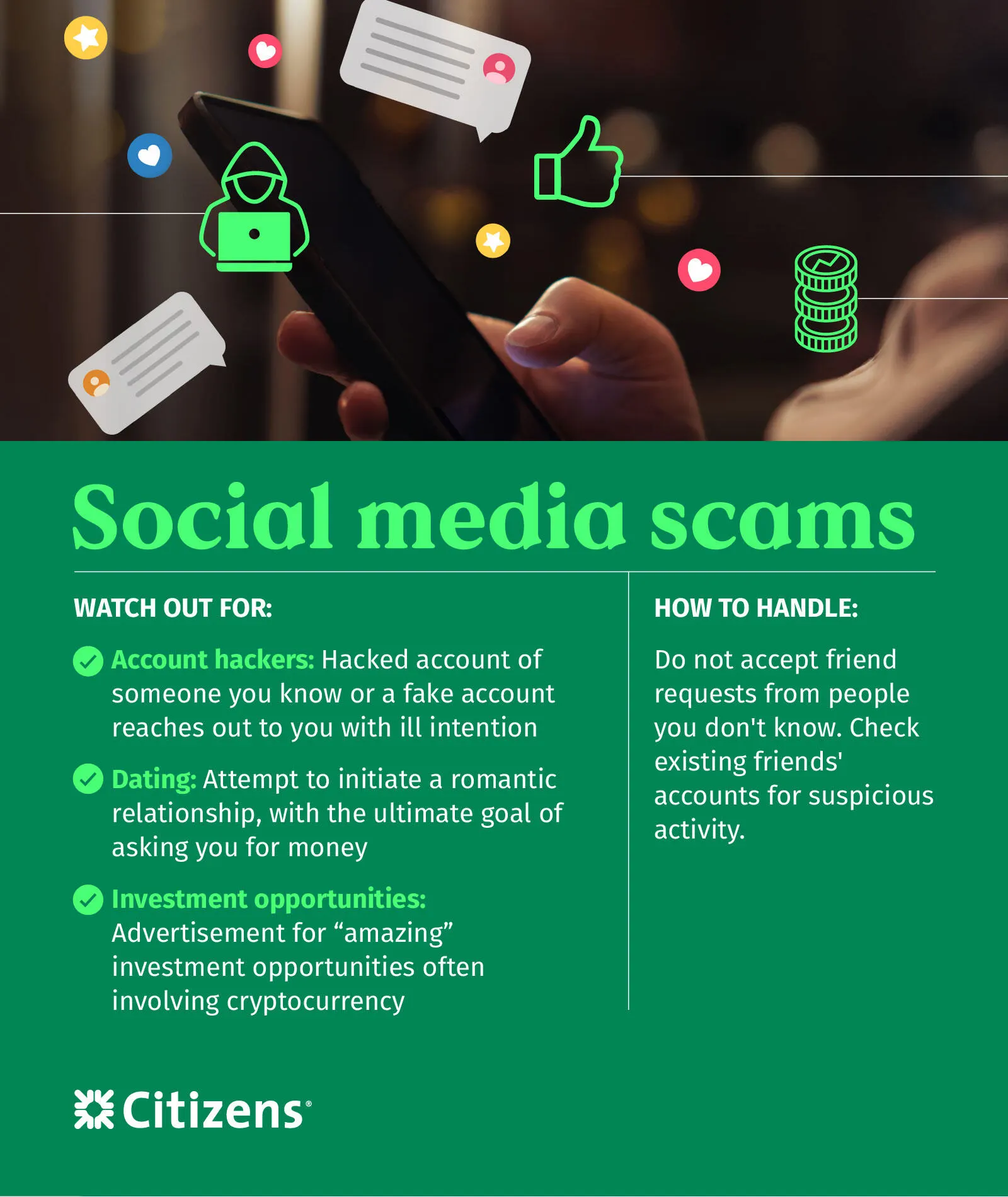
The most common social media scams generally fall into three categories:
- Account impersonation: A scammer clones or hacks the profile of someone you know, messaging you claiming to be in an emergency, or recommending a "must-try" financial program.
- Investment and crypto schemes: Posts or messages promoting "guaranteed" investment opportunities, often involving cryptocurrency to pressure you into investing before you miss out.
- Relationship scams: Sometimes scammers take a long-term approach, starting a fake romantic relationship or deep friendship before asking for money to help with a sudden crisis.
Protect yourself on social media by maintaining a healthy skepticism. Avoid accepting friend requests or private messages from accounts you don't know. If a current friend suddenly sends you an unusual or urgent message, verify it by contacting them through a separate channel outside of the social media platform, such as a direct phone call or text.
AI scams
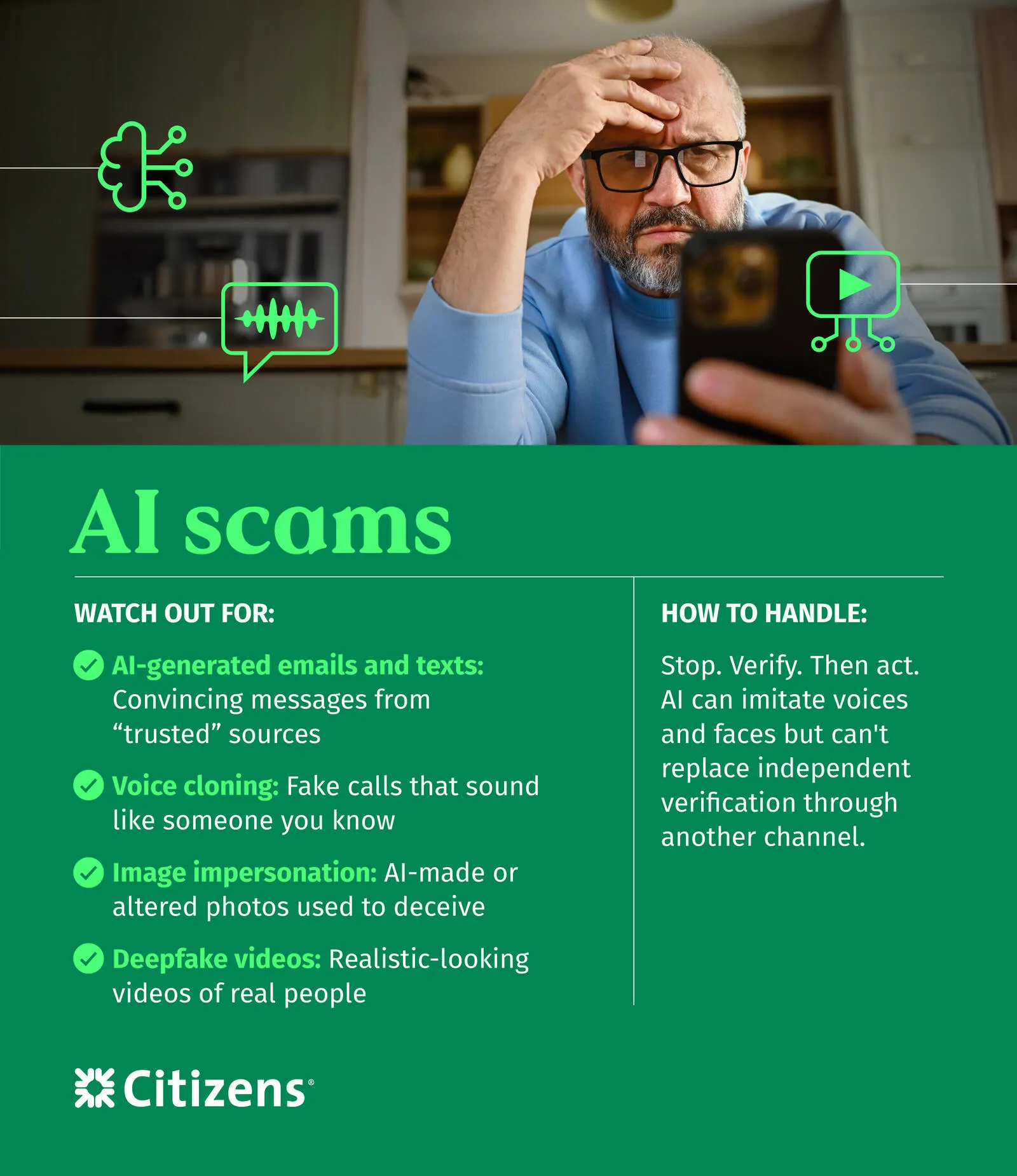
Artificial intelligence has made it much easier for scammers to create highly convincing scams. In fact, 90% of those who responded to Citizens Cybersecurity & Fraud Survey* said AI, deepfakes and realistic impersonation make it harder to tell what's real. Fraudsters can now mimic the voices of loved ones, generate flawless, error-free phishing emails and create realistic video deepfakes. Fraudsters can now mimic the voices of loved ones, generate flawless, error-free phishing emails and create realistic video deepfakes.
The two most common AI-driven scams to watch out for include:
- Voice cloning: A scammer takes a short clip of a person's voice — often scraped from a video posted publicly on social media — and runs it through an AI program. They then call you claiming they are in immediate trouble and need you to send money right away.
- Hyper-realistic phishing: Scammers use AI writing assistants to generate perfectly written, highly professional messages that look indistinguishable from legitimate corporate communications.
The best defense against AI scams is to verify the speaker's identity before reacting to an emotional appeal. If you receive a frantic call from a loved one asking for money, hang up and call them back directly on their known phone number.
How to respond if a scammer targets you
If you've accidentally interacted with a scammer, clicked a malicious link or shared private data, taking immediate action can help minimize any damage. Follow these steps to protect your information and your accounts:
- Stop and slow down: Take a breath and step away from the message or call. Scammers rely on panic and urgency to force you into making quick decisions.
- Verify independently: If you are unsure what was accessed, check your accounts directly using a trusted phone number or official website.
- Do not open attachments, click links or scan QR codes: Cut off communication immediately. Do not click any further links, which could download malware to your device.
- Report it: Notify your bank immediately if your financial accounts are involved, so they can freeze your profiles and protect your funds.
Once you have secured your immediate accounts, change your digital passwords in a fresh browser window and monitor your credit reports for unexpected changes. If sensitive personal details like a Social Security number were compromised, visit identitytheft.gov to set up a free credit freeze and file an official incident report.
Be cautious and trust your instincts
The best defense is to exercise caution. Take care when sharing private information and be wary of links that look unsafe. Your instinct is your best safety net. Learn more about cyber fraud and how to protect your personal data at our Fraud and Security Center.
Frequently Asked Questions
What should I do if I already clicked a scam link or QR code?
Run a full security scan on your device to check for malware. Change any passwords you may have entered on the suspicious site. Monitor your bank accounts and credit reports for unauthorized activity. Contact your bank immediately if you shared financial information.
How do I report a scam?
Report the scam to the organization being impersonated. You can also file a complaint with the FBI's Internet Crime Complaint Center (IC3) and report it to the Federal Trade Commission (FTC). If your Citizens accounts are affected, call the number on the back of your debit or credit card to report fraud on your accounts. You can also report fraud in the Citizens mobile app** or contact Citizens at 1-800-974-2260.
Can scammers fake caller ID to look like my bank?
Yes. Scammers can mask their phone number so it appears on your caller ID as your actual bank. This is called caller ID spoofing. If you receive an unexpected call asking for personal information, hang up and call your bank directly using the number on its website or your debit or credit card. It's also helpful to understand how your bank will contact you.
Related topics

6 tips to protect your personal information
Online banking is convenient and safe, thanks to features that protect your account. These six tips will help you keep your details safe.

Using public Wi-Fi? These tips can keep you safe
Taking advantage of free Wi-Fi while you're out and about? Follow these tips to keep your personal information safe and sound.

How to detect and protect yourself from fraud
Fraud can be easy to spot, once you know what to look for. From emails to phone calls, here's how to spot fake messages.
© Citizens Financial Group, Inc. All rights reserved. Citizens Bank, N.A. Member FDIC
Disclaimer: The information contained herein is for informational purposes only as a service to the public and is not legal advice or a substitute for legal counsel. You should do your own research and/or contact your own legal or tax advisor for assistance with questions you may have on the information contained herein.
* The Citizens Cybersecurity & Fraud Survey was conducted by Wakefield Research among 1,000 nationally representative U.S. consumers age 16 and older. The survey was fielded from February 27 to March 13, 2026, using an online survey methodology. Data has been weighted to align with national benchmarks. The margin of error for the total sample is ±3.1% at a 95% confidence level. Weighting is a statistical technique used to adjust survey data after collection to improve the accuracy of survey estimates.
** Wireless carrier, text and/or data charges may apply