
Manage your money while traveling with the Citizens mobile app

Key takeaways
- As you gear up for summer travel, the Citizens mobile app* can help you stay up to date on your bank account activity.
- You can use the app to keep tabs on travel spending, manage your accounts, freeze or unfreeze your cards and reimburse friends and family with ease.
- Once you're home from your trip, you can use the mobile app for everyday money and account management needs, like check deposits, money transfers, bill payments and more.
When you're gearing up for summer travel, whether it's a short weekend trip or an extended vacation, it's important to keep your finances top of mind. Amid busy schedules and changing plans, wherever you end up, mobile banking on the go helps you stay informed without interrupting your time away.
The Citizens mobile app travels with you, keeping you up to date about your accounts while you're away. Put downloading the app on your vacation checklist and stay informed and protected no matter where the summer takes you.
Set yourself up for smooth travel
Ready to hit the road? Before you leave, take a peek at your account balance and review your recent activity. Knowing what's in your account and your recent debit or credit card activity helps prevent surprises, such as overdrafts or unexpected charges, while enjoying your time off.
Before you head out, set up your Citizens mobile app so you can easily and securely access it while you're on the go. First, enable push notifications and alerts to receive updates on your account and easily spot any signs of fraud.
Then, set up biometric login on the app, using either your face ID or fingerprint to protect yourself from identity fraud:
- Tap the settings "gear" icon
- Tap on "Login and biometrics"
- Toggle "Enable Face ID or Fingerprint"
That way, if you misplace your phone while traveling, no one can access your bank info.
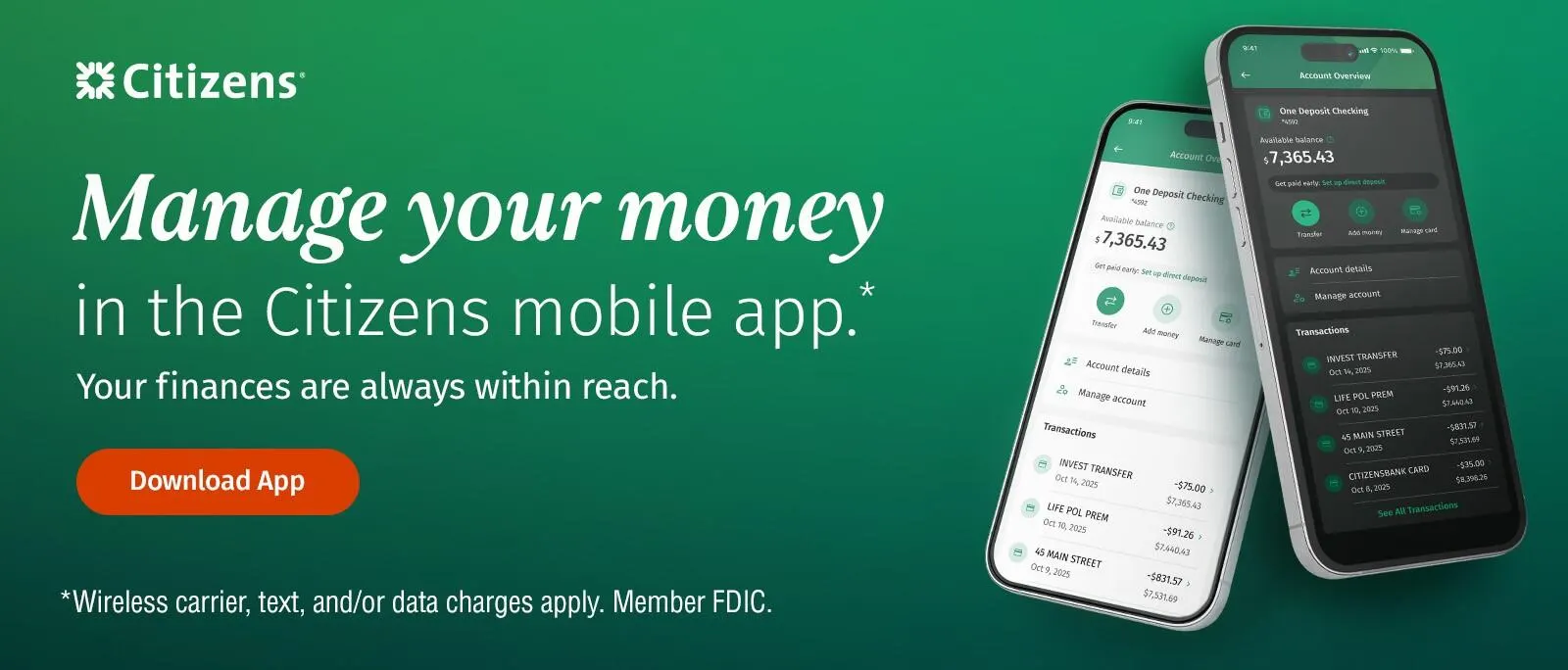
Manage your money while you're on the go
The Citizens mobile app has numerous features to make managing money on vacation a breeze.
Pay and move money during your trip
Unless you're heading out on a solo trip, you're likely going to need to split the bill for meals, hotels, group activities and spontaneous expenses. The Payments Hub makes paying friends while traveling simple. You can also request money from your friends or easily move money between accounts.
Keep track of spending in real time
The app also makes it easy to track spending while traveling without having to manually track your expenses, thanks to transaction alerts. Being able to check your account activity and spending at a glance helps you avoid going overboard and reduces the likelihood that you'll return from your trip feeling guilty about overspending.
Check in on your financial picture
Your vacation doesn't have to throw off your overall budget or derail your financial goals. With the Citizens mobile app, you can keep tabs on your overall financial health, including your credit score and the factors impacting it, right alongside your accounts.
To get started, you'll need to enroll in the credit monitoring tool within the app. Simply log in and tap "Credit Score" and follow the prompts to enroll. Once enrolled, you can view your credit score, track changes over time and monitor your credit activity.
Protect yourself from unauthorized charges
Summer travel can sometimes come with unexpected moments, like lost cards or unfamiliar charges. Whether it's due to a swift-footed pickpocket, a too-clever scam artist or confusion after a big night out, you may misplace your credit or debit card on vacation. Luckily, credit and debit cards have built-in protection features so you're not responsible for unauthorized charges, provided you report suspicious charges quickly.
Other travel scams, like card skimming fraud and hacked accounts via unsecured Wi-Fi networks, can make your finances more vulnerable when you're on vacation. Tracking your account activity and paying attention to app alerts can help you spot problems right away.
When you can't get to a branch or log in to your account on a computer, freeze your debit card or request a replacement card with CiZi, your very own digital assistant built into the app. To access CiZi, simply open the Citizens mobile app and click "Ask CiZi" in upper right corner, where you can quickly get help taking actions like locking your card or reviewing recent activity. The app's Security Center provides a centralized place to manage all your account-related security needs and get reassurance if you find yourself separated from your cards.
Stay informed without constantly checking your phone
Mobile banking security tools and alerts run in the background, so you don't have to constantly pull out your phone or open the app to monitor account activity.
You can feel confident that your accounts are protected, even if you're not looking at your phone, thanks to real-time banking alerts and notifications, security visibility and biometric login.
Continue healthy money habits after you return home
Your mobile banking app is more than a tool you can use to manage money while traveling. Once you're back from your trip, use the app to review your vacation purchases and get real-time visibility into your ongoing spending.
Post-vacation, you can continue using the app to keep up with your account activity, send money from your phone and continue monitoring your credit score to help stay on top of your long-term financial health.
Download the Citizens mobile app before you travel
Track and protect your money on the go by downloading the Citizens mobile app before your next trip. With card controls, mobile payments and the ability to report suspicious charges, the app makes it easy to stay connected to your money, no matter where your summertime adventures take you.
Discover how the Citizens mobile app helps you bank on the go.
Related topics

10 must-try features of Citizens' mobile banking app
From CiZi to check deposit, Citizens mobile app has several must-use features to streamline your financial life.

How to manage your credit card in the Citizens mobile app
Pay your card balance, freeze your card or check your activity. The app makes managing your credit card a breeze.

When you're busy, use CiZi: Citizens mobile app chat feature
CiZi is the Citizens AI-powered personalized assistant, always available to answer your questions and keep your account up to date.
© Citizens Financial Group, Inc. All rights reserved. Citizens Bank, N.A. Member FDIC
* Wireless carrier, text and/or data charges may apply. Banking fees may apply.
Disclaimer: The information contained herein is for informational purposes only as a service to the public and is not legal advice or a substitute for legal counsel. You should do your own research and/or contact your own legal or tax advisor for assistance with questions you may have on the information contained herein.